Read our blog



Data Backups
How agencies and solution partners standardise backup across client HubSpot, monday.com and ClickUp accounts
How implementation partners add a repeatable backup standard to every client HubSpot, monday.com or ClickUp build: the multi-client model, a five-point kickoff clause, a pre-handover test restore, procurement answers and the referral mechanics.






Data Backups
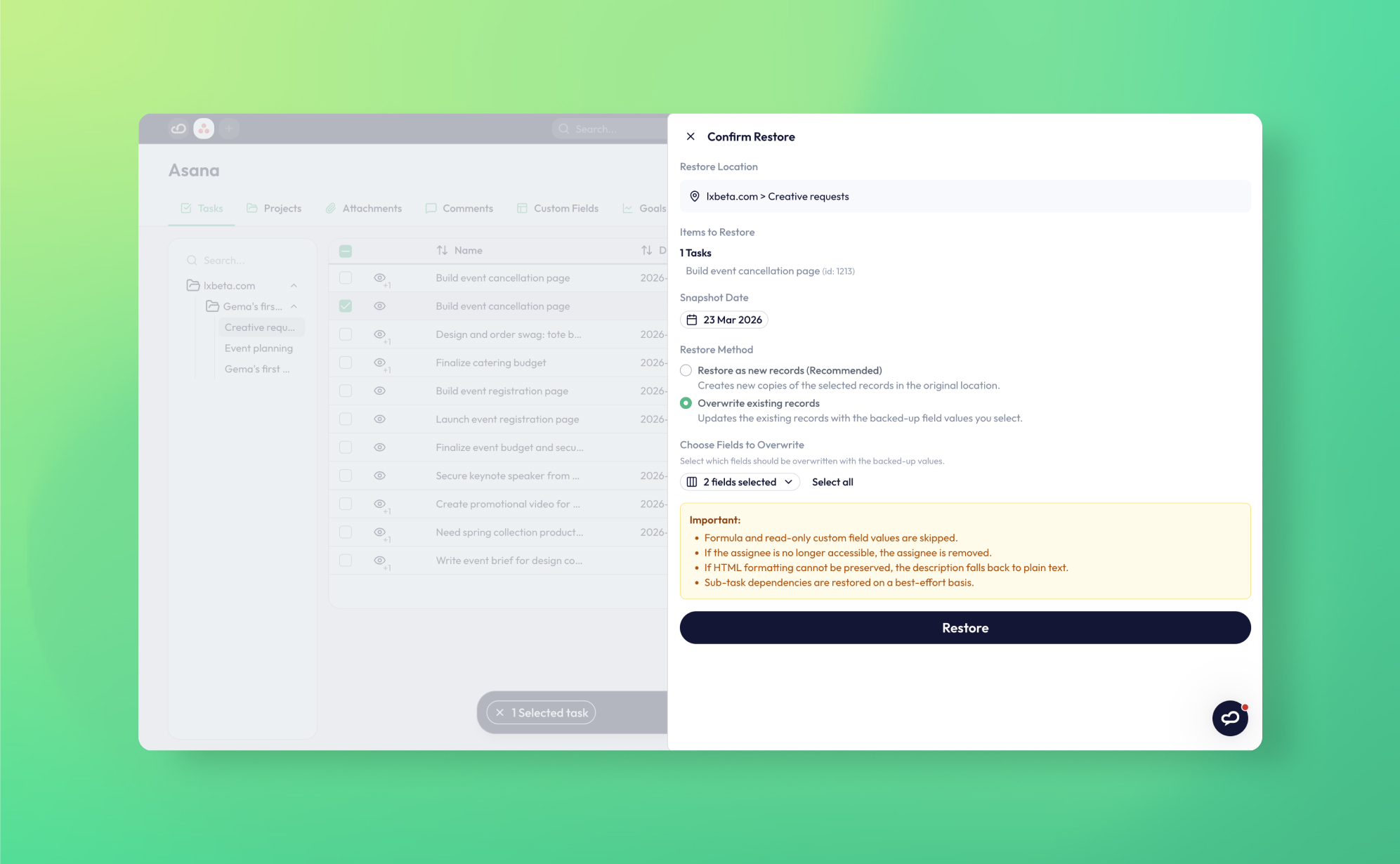
Bulk edit gone wrong: how to roll back field changes in ClickUp, Asana, monday.com, HubSpot and Airtable
A bulk edit that shifts 200 due dates or overwrites a deal property is easy to make and hard to reverse. This guide compares what ClickUp, Asana, monday.com, HubSpot and Airtable let you undo natively, explains why viewing history is not restoring it, and shows how ProBackup's field-level overwrite restore rolls the records back from a daily snapshot.





Data Security
What happens to their work when someone leaves: offboarding data in Asana, ClickUp, monday.com and HubSpot
Every platform handles a departing user differently: ClickUp deletes their private work, Asana gathers their tasks into a project for super admins, monday.com keeps their content but disables their automations, HubSpot keeps everything but leaves records orphaned. This guide compares the admin actions, gives a 6-step checklist and explains what a ProBackup snapshot preserves.
.png)



Data Backups
Version history and trash retention in Asana, ClickUp, monday.com, Trello, HubSpot, Airtable, Notion and Jira (per plan, 2026)
One dated reference table of trash windows and version-history windows for eight SaaS apps, by plan, each fact linked to the vendor's own documentation and set against ProBackup's retention (Plus 6 months, Pro 2 years, Premium unlimited).

Data Backups
How ProBackup backs up your data: API pulls, daily snapshots, revisions and what the API cannot give us
First-hand explainer of the ProBackup backup engine: per-collection pull jobs every 24 hours, revisions stored only when a record's checksum changes, point-in-time snapshots rebuilt from revisions, attachment handling, the two restore modes and a per-platform list of what the API does not expose.


Data Security
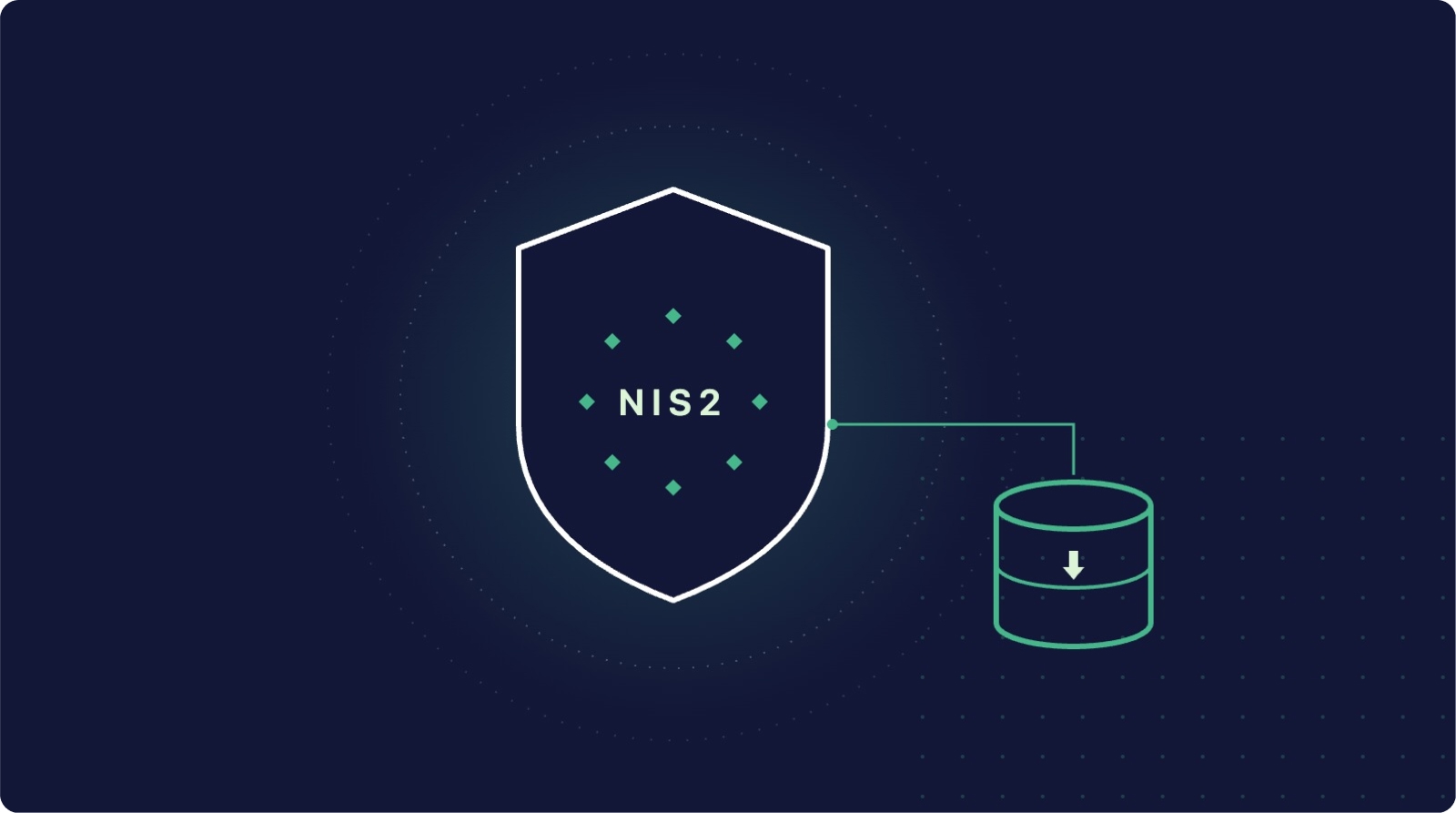
ProBackup's SOC 2 Type II report: what it covers, how to request it, and what it does not mean
An evergreen explainer of ProBackup's SOC 2 Type II report: what SOC 2 is, which Trust Services Criteria touch backup and availability, how to request the report via the trust centre, why ProBackup does not hold ISO 27001, how the Vanta integration feeds ProBackup evidence into your audit, and how a vendor's report differs from your own compliance.






.jpg)
Data Backups
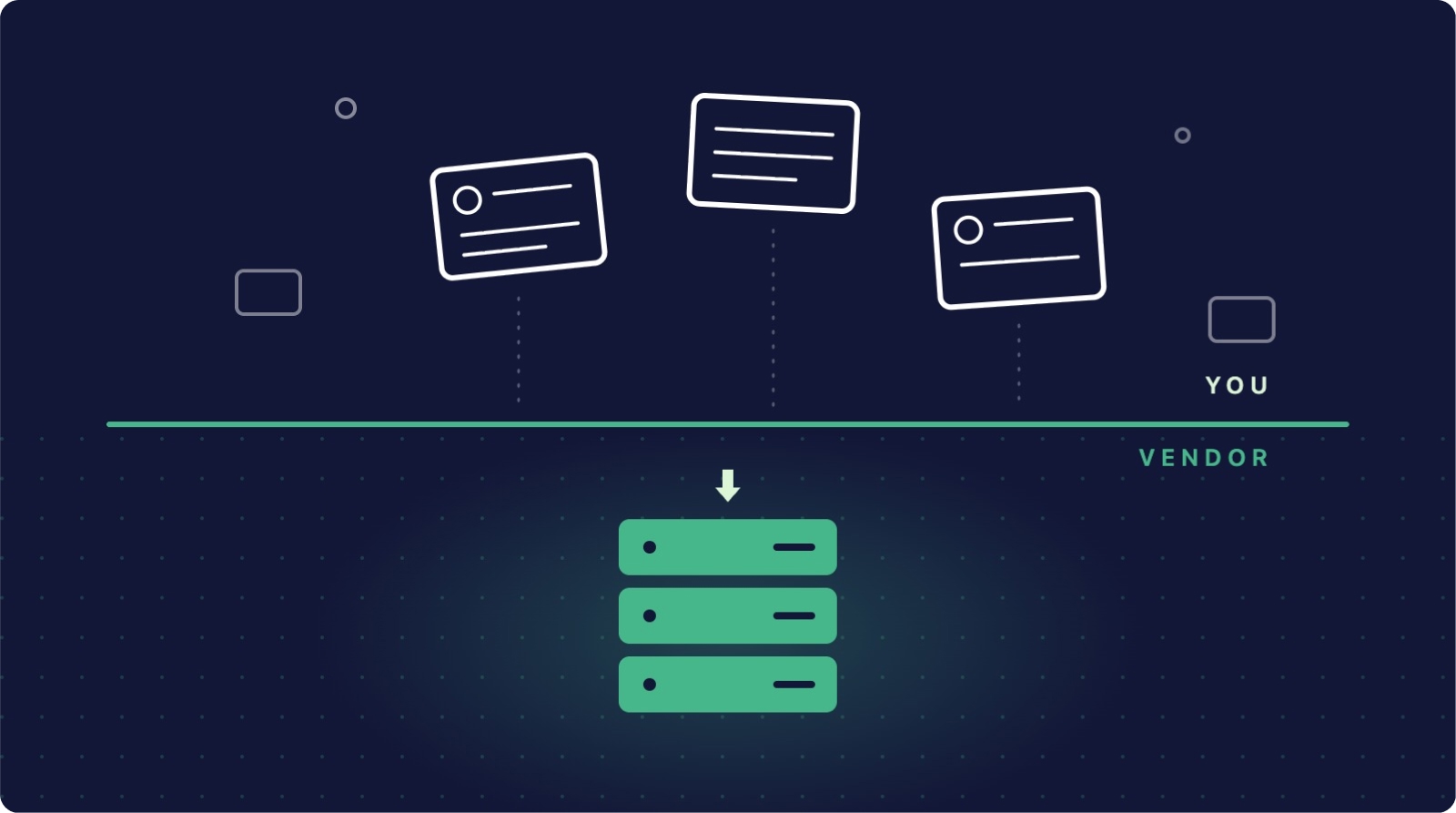
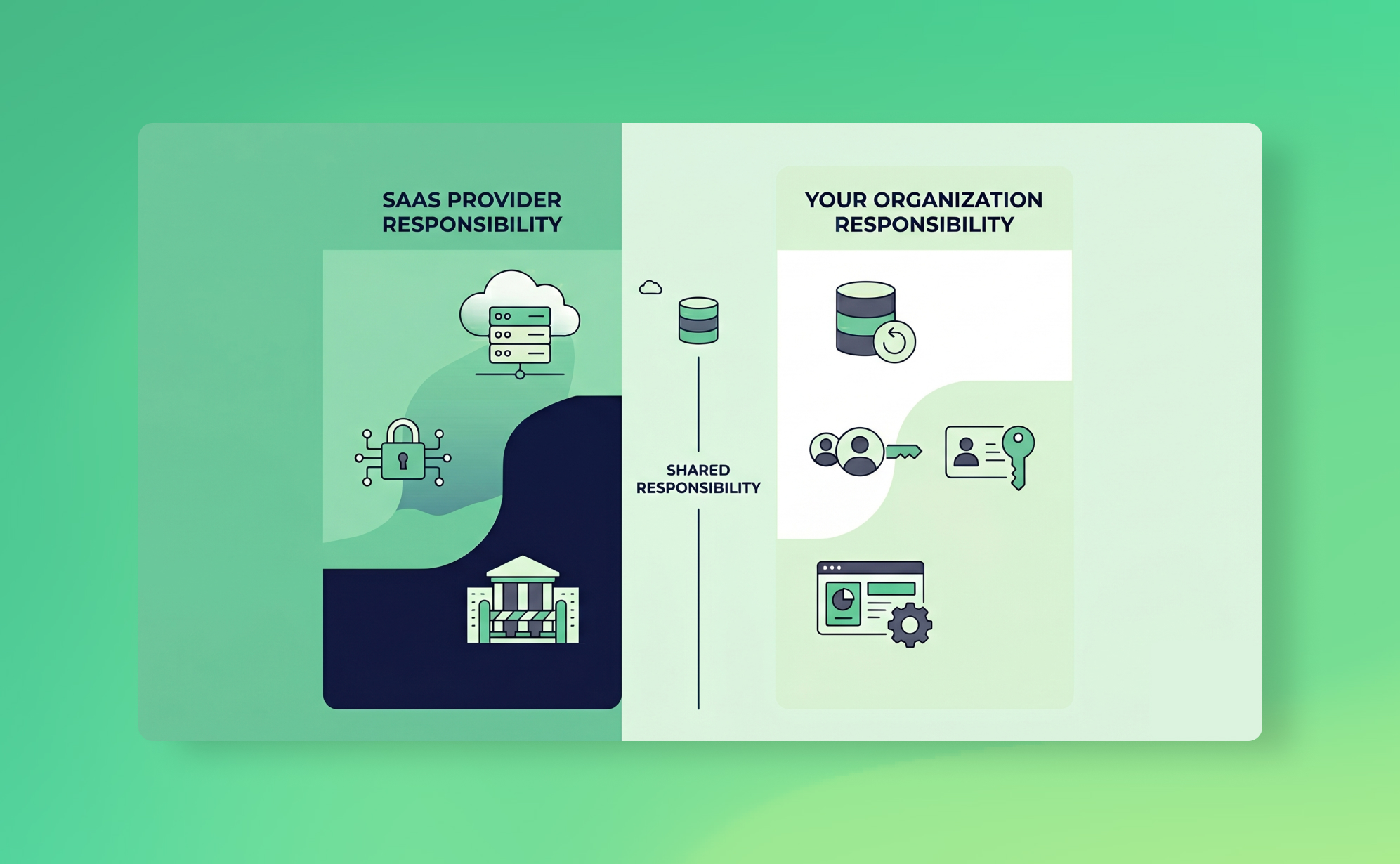
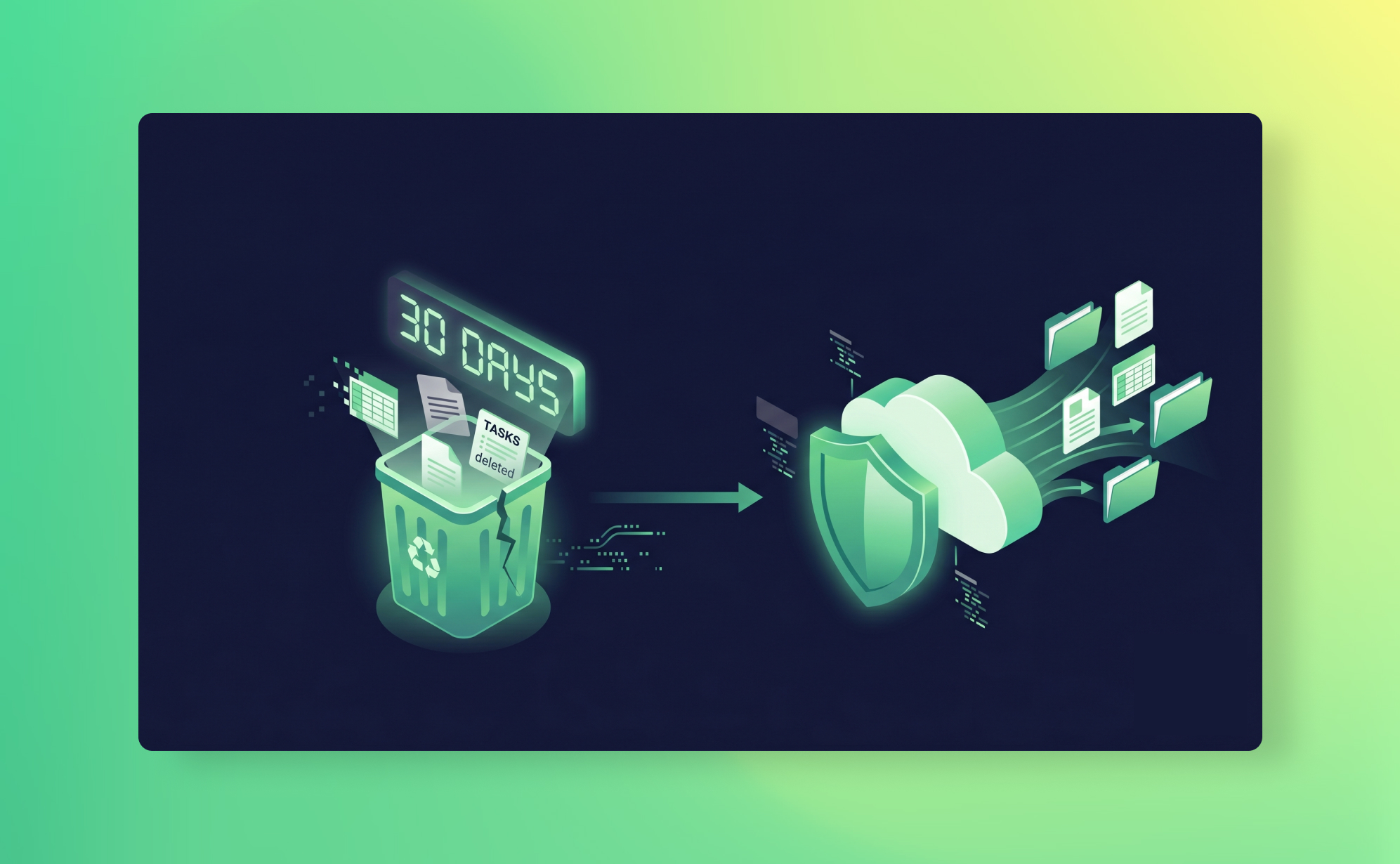
The SaaS shared responsibility model: who protects your data?
SaaS vendors run the platform; recovering data deleted or overwritten through your own accounts is your job. This guide sets out what six major platforms actually commit to (with primary sources), the myths that keep teams exposed, where GDPR liability lands and how to protect your side.
.jpg)

.jpg)
.jpg)
Data Security
AI agents are now editing your Asana, ClickUp, monday.com and HubSpot data: how to contain and roll back a bad run
An operational guide for teams giving AI agents write access to Asana, ClickUp, monday.com or HubSpot: the three failure modes, containment controls, and how to roll back a bad run with ProBackup snapshots.

Productivity
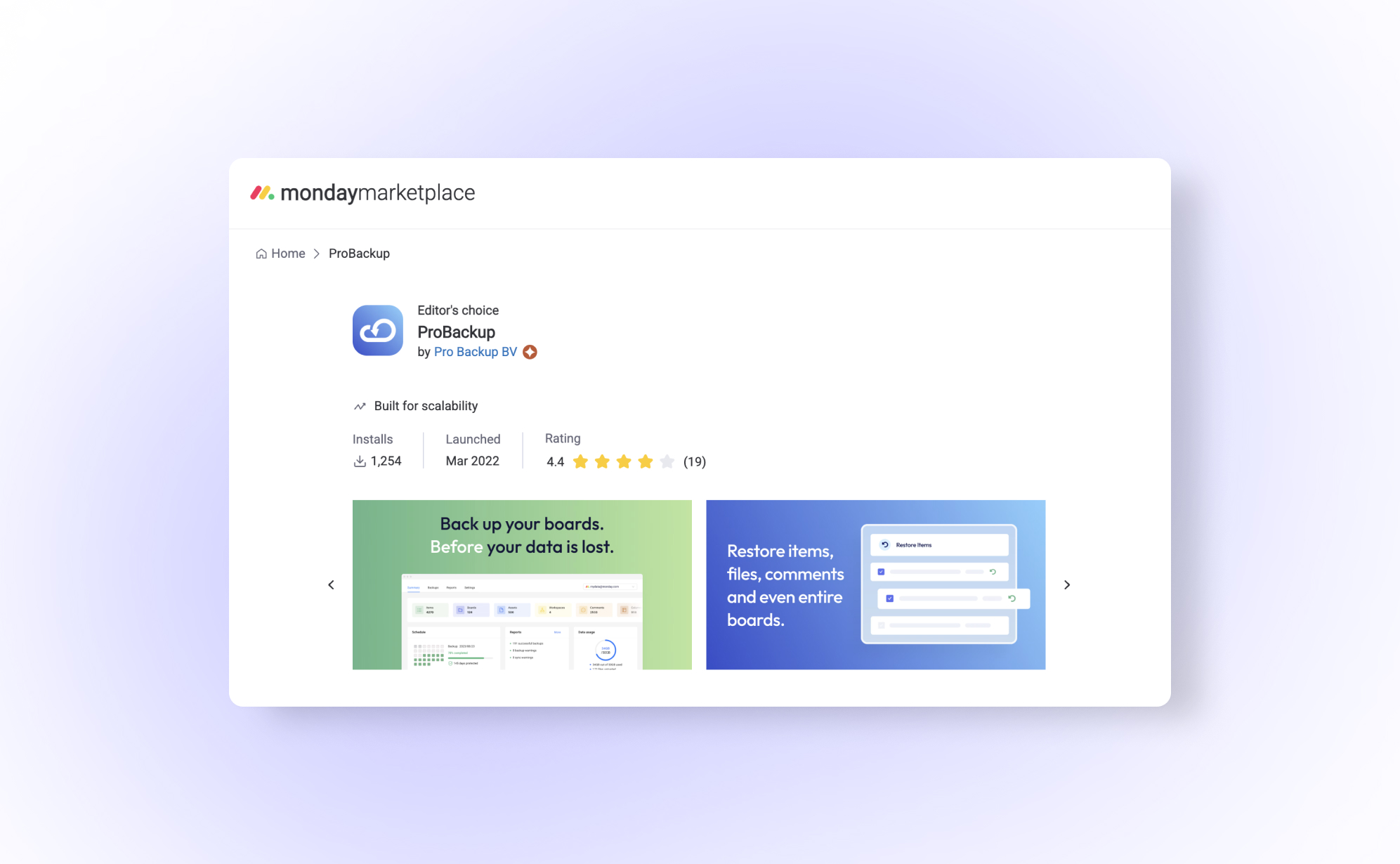
The 6 best project management apps in 2026
In this article we wanted to give an overview of the best tools currently dominating the market, each excelling in unique ways. Whether for data management, automation, or collaborative whiteboarding, we've got the insights to help you make an informed choice in this digital era.
News
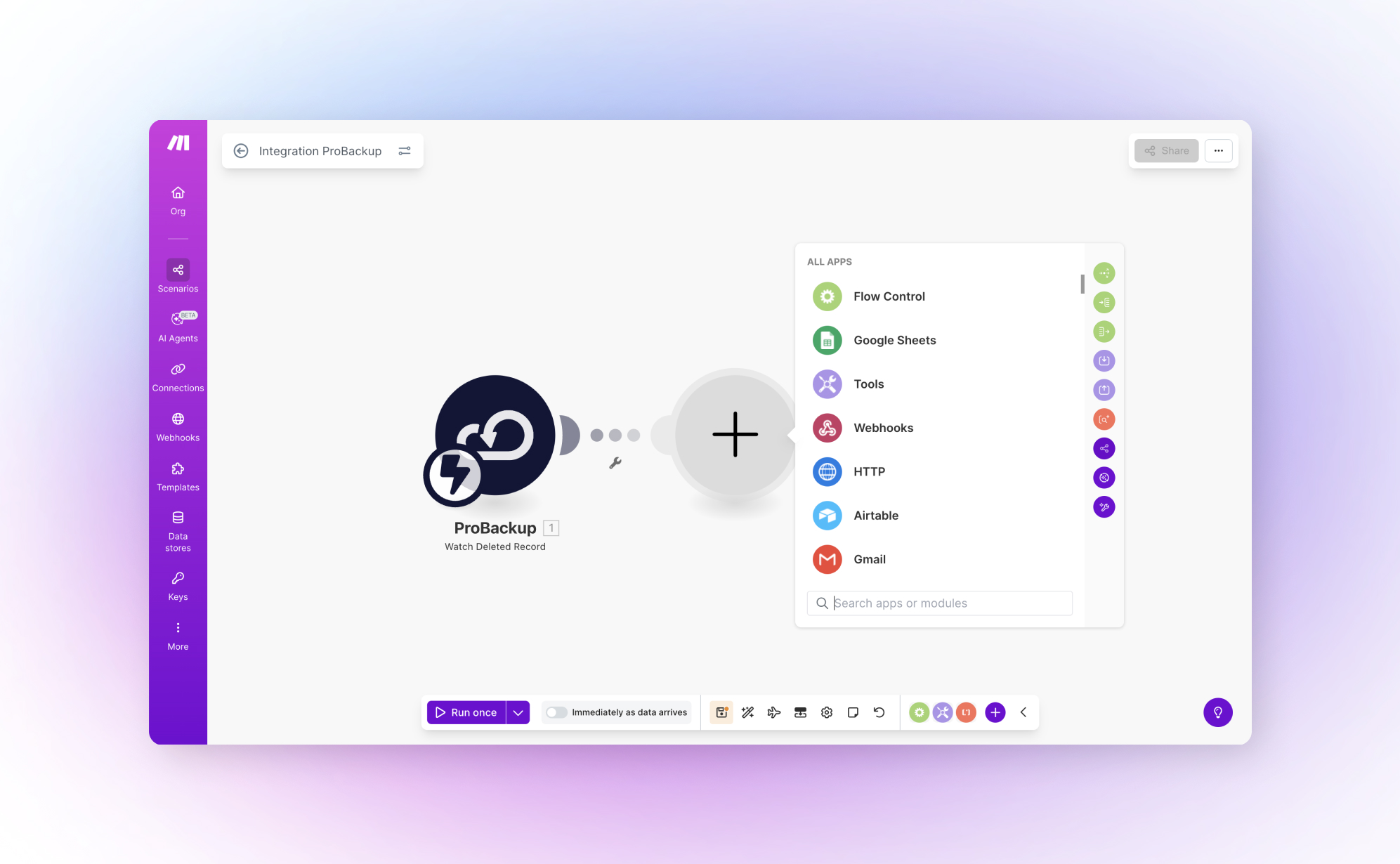
ProBackup now integrates with Make.com for automated deletion workflows
Protecting your SaaS data just got smarter. ProBackup now connects directly with Make.com, letting you build automated workflows that respond instantly when records disappear from your Asana, ClickUp, monday.com, or any other backed-up platform.
.jpg)
Data Backups
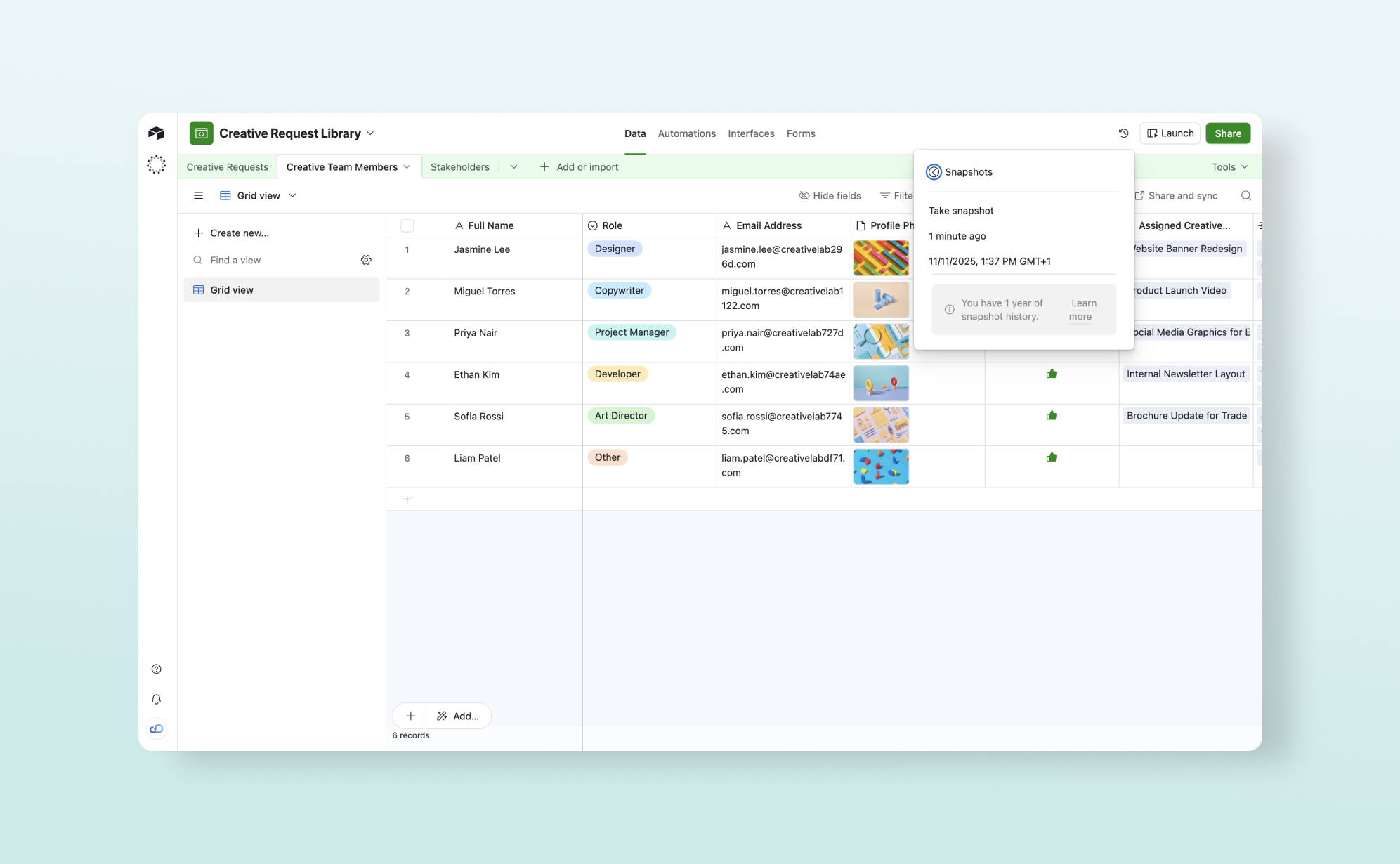
Access your deleted HubSpot records without leaving HubSpot
Managing deleted CRM data just got significantly easier. ProBackup now lives directly inside your HubSpot account, giving you instant access to deleted records, backup status, and key settings from the interface you already use every day.
News
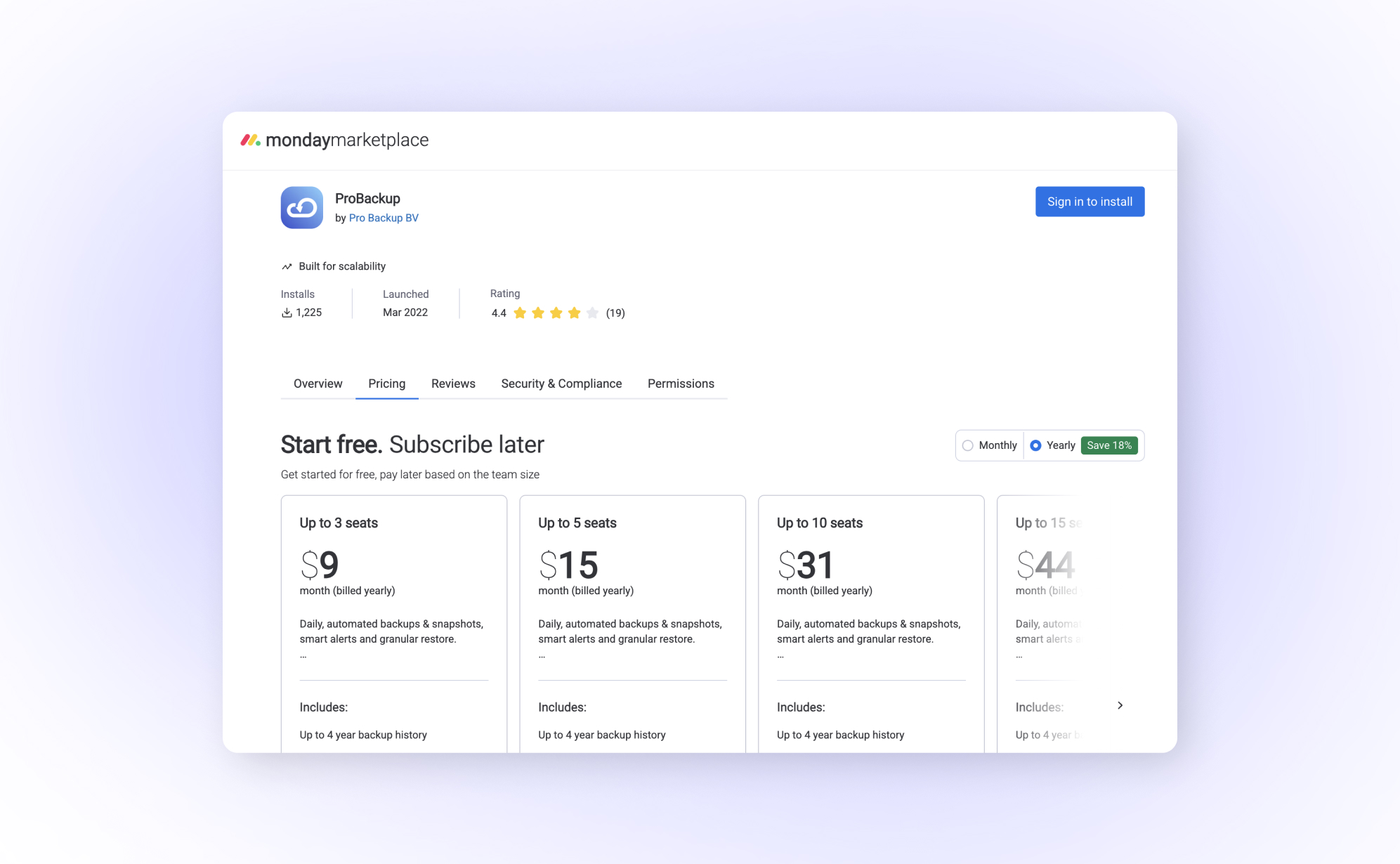
Important update: monday.com backups now available through the monday.com marketplace
Starting December 18th, 2024, ProBackup for monday.com is now licensed directly through the monday.com app marketplace. This change affects how new customers access our monday.com backup solution, while existing users can continue without interruption.
.jpg)
News
2025 in review: a transformative year for ProBackup
What a year it has been! As we wrap up 2025, we want to take a moment to reflect on the incredible journey we've shared with our customers. This year marked a significant milestone for ProBackup, and we couldn't be more excited about what we've accomplished together.
.jpg)
News
Product update: Introducing Global Search
Previously, our search functionality allowed you to find records within a specific table - requiring you to select the exact project, board, or list first. While effective, this required you to know exactly where the item was located before it went missing.Today, we are upgrading that experience. We are excited to announce the launch of Global Search, a powerful new way to navigate your backups.
.jpg)
Data Security
4 Reasons why you should sync your data backups to Google Drive
At ProBackup, our primary mission is to provide you with peace of mind. When we back up your SaaS apps. whether it’s Asana, Monday, or ClickUp, we utilize heavy encryption to store that data securely on our own servers . This automated, daily process is the foundation we rely on when you need to restore a specific record or an entire project back to your account.However, we believe in robust data resilience. That is why we offer our users the option to sync a copy of their data backups directly to their own Google Drive . While this feature is optional (available on our Pro and Premium plans ), we strongly recommend it.

News
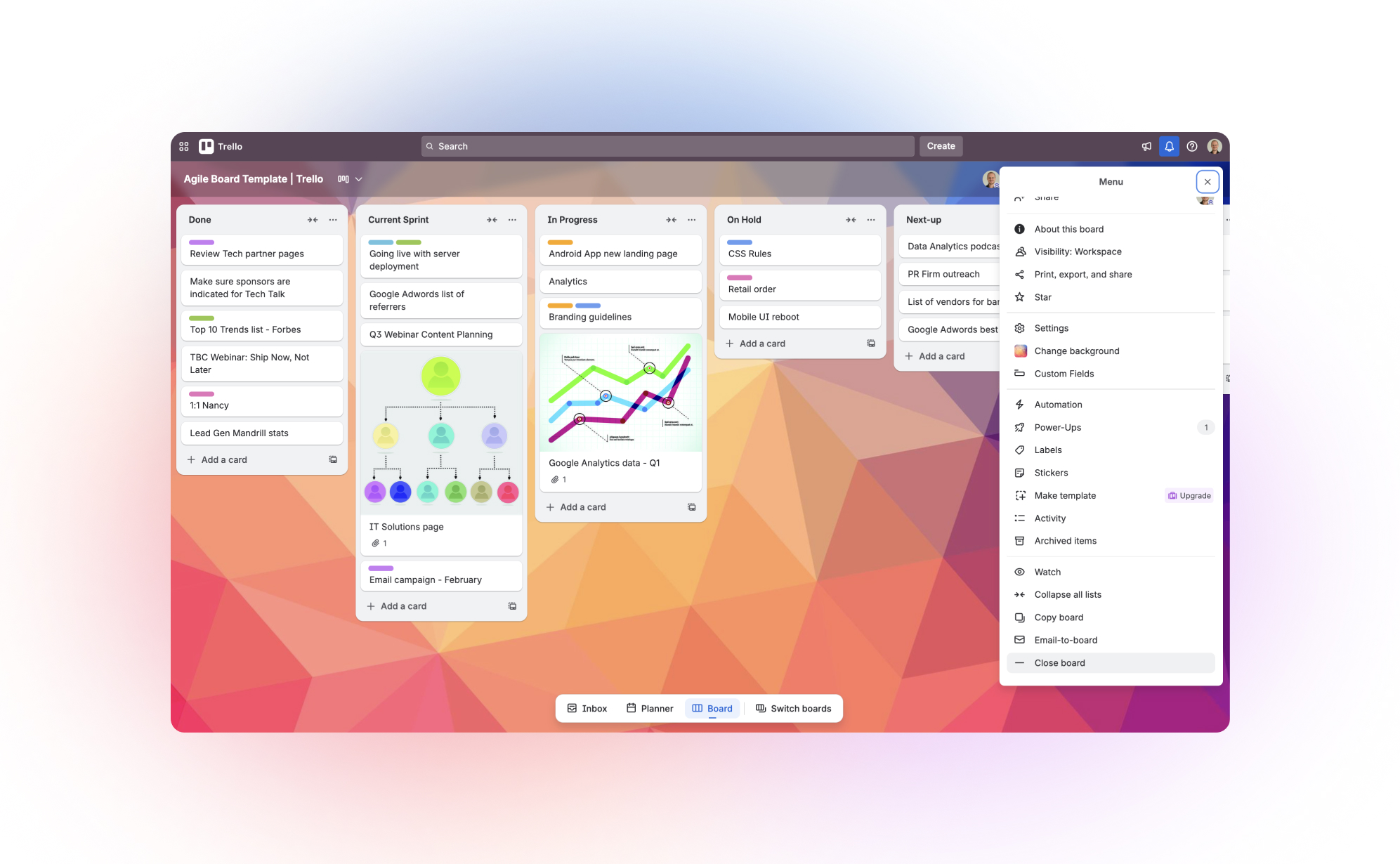
Staying productive during major cloud outages. (like our customers during the recent AWS outage).
On Monday 20th of October 2025, a major outage at Amazon Web Services (AWS) sent ripples across the internet, impacting thousands of companies and affecting millions of users. For businesses that rely on cloud-based SaaS applications to run their daily operations, the disruption was a stark reminder of a critical vulnerability: when a foundational service goes down, access to your own essential data can vanish in an instant.
.jpg)
Data Security
Evaluating SaaS App Security for Business-Critical Data
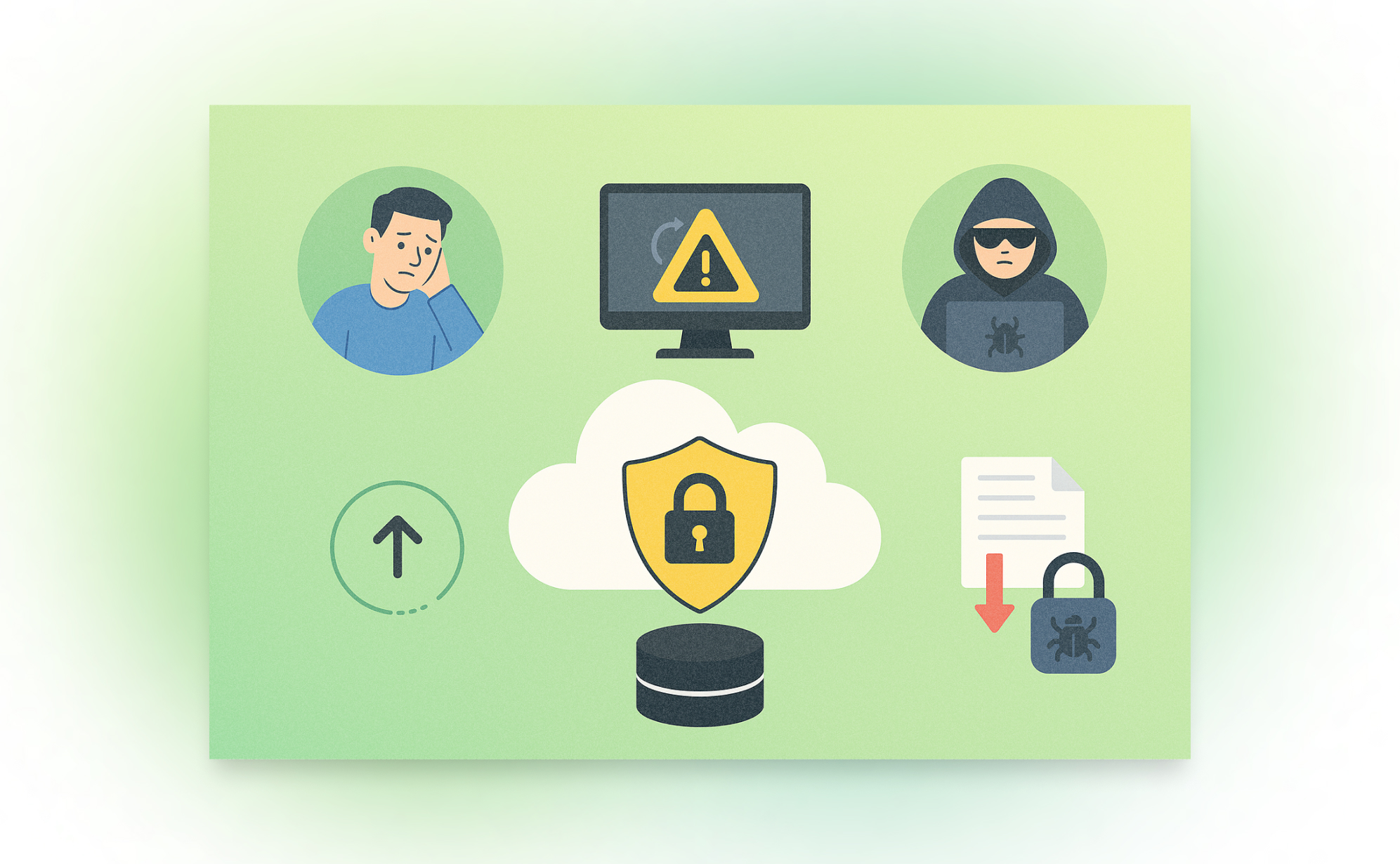
Choosing the right SaaS app to store your business data is a big decision. If an app isn’t secure, your data could be stolen, lost, or accidentally deleted. A security breach could cost your business money, time, and trust. So, how can you tell if a SaaS app is safe to use? Here’s a checklist to help you decide before you commit to a new app.
Data Security
5 Common SaaS Data Loss Scenarios (and How to Prevent Them)
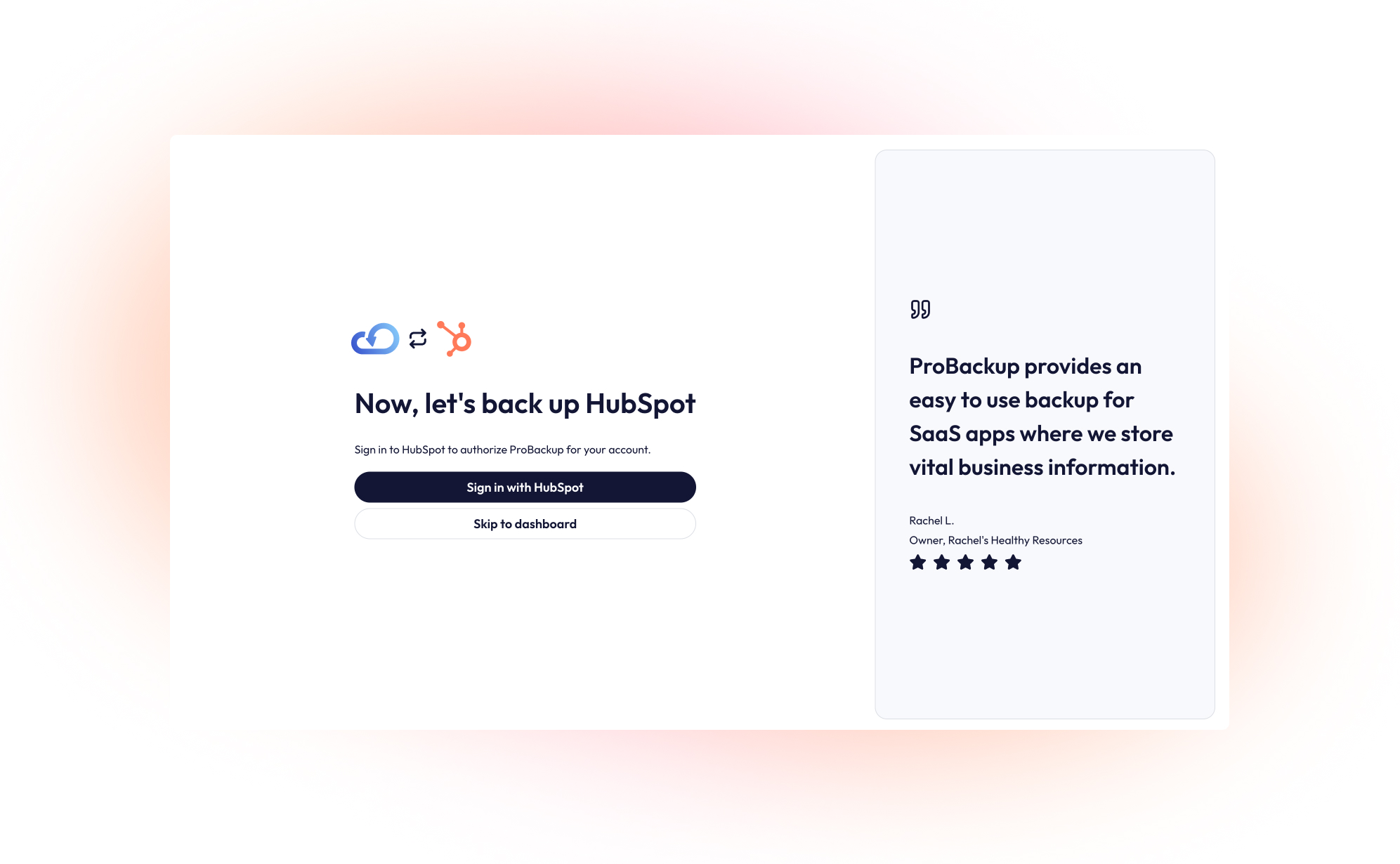
Most teams trust their data is safe in the cloud. You're using trusted apps like ClickUp, Airtable, Trello, or Asana, so what could go wrong? Here’s the truth: these platforms are great at keeping their systems running, but they don’t take full responsibility for your individual account data. If someone on your team deletes something important or a bad sync wipes your records, it’s on you to fix it.
Data Backups
How to secure your HubSpot data: A step-by-step guide to backing up HubSpot
HubSpot is a leading customer platform for business of all sizes, covering all aspects to manage your CRM, marketing, sales, services, content management & operations. This guide will walk you through setting up a daily, automated backup for your HubSpot account using ProBackup.
.jpg)
Productivity
Why Your Business Needs a Free CRM (and How HubSpot Makes it Effortless)
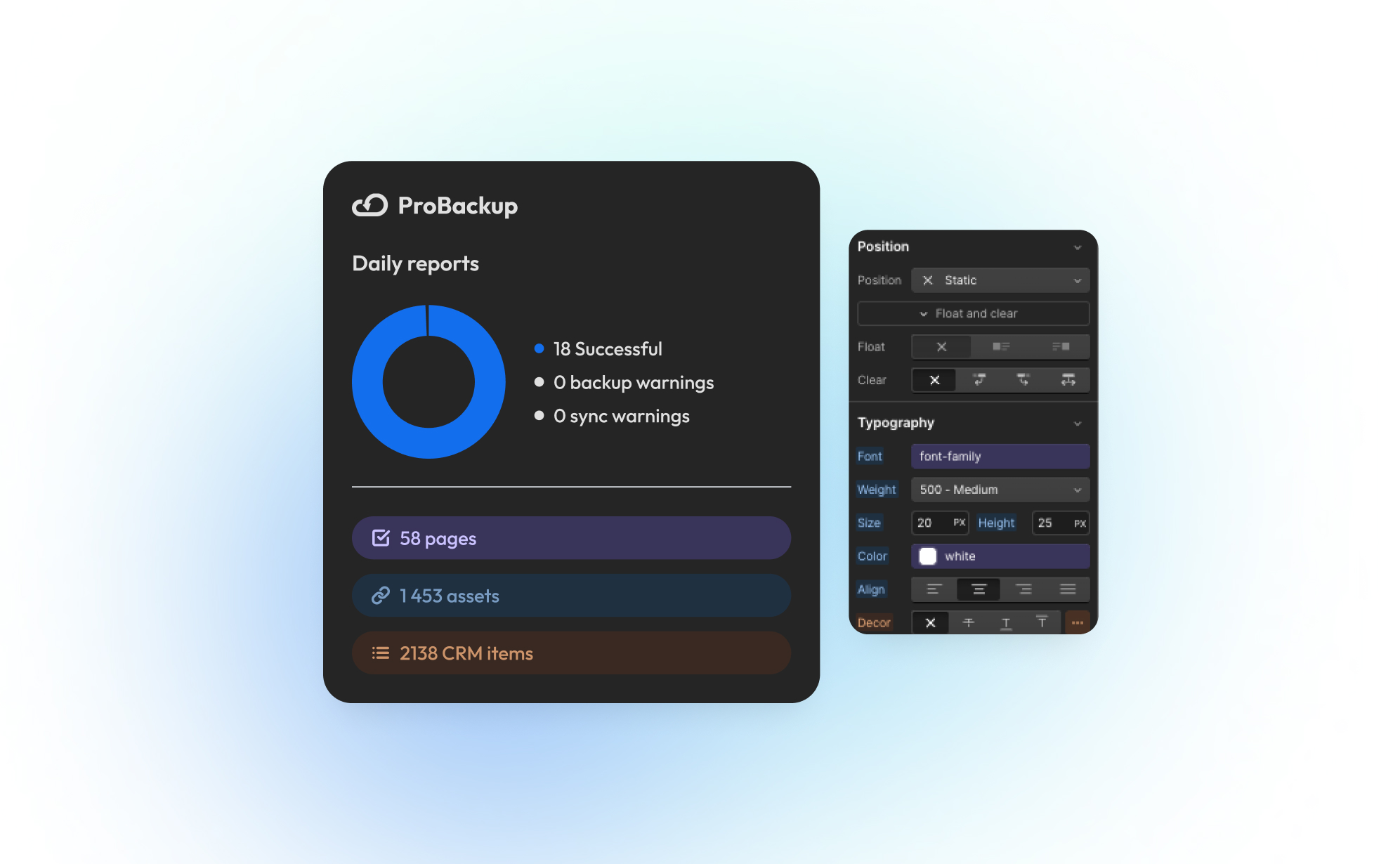
In our early days at ProBackup, we tried to stay on top of it all with spreadsheets and in-house built tools. It didn’t take long before things started slipping through the cracks. We needed something simple and reliable to keep track of our customer relationships, without committing to a massive tool or long onboarding process. That’s when we found HubSpot’s Free CRM.

Data Security
Why backups matter for SOC 2 and ISO 27001 compliance
What SOC 2 and ISO 27001 actually require of SaaS backups in 2026: the criteria and Annex A controls that apply (A1.2, A1.3, 8.13, 5.23), what your SaaS vendor's contract says about backup, and the four pieces of evidence auditors ask for.
.jpg)
.jpg)
News
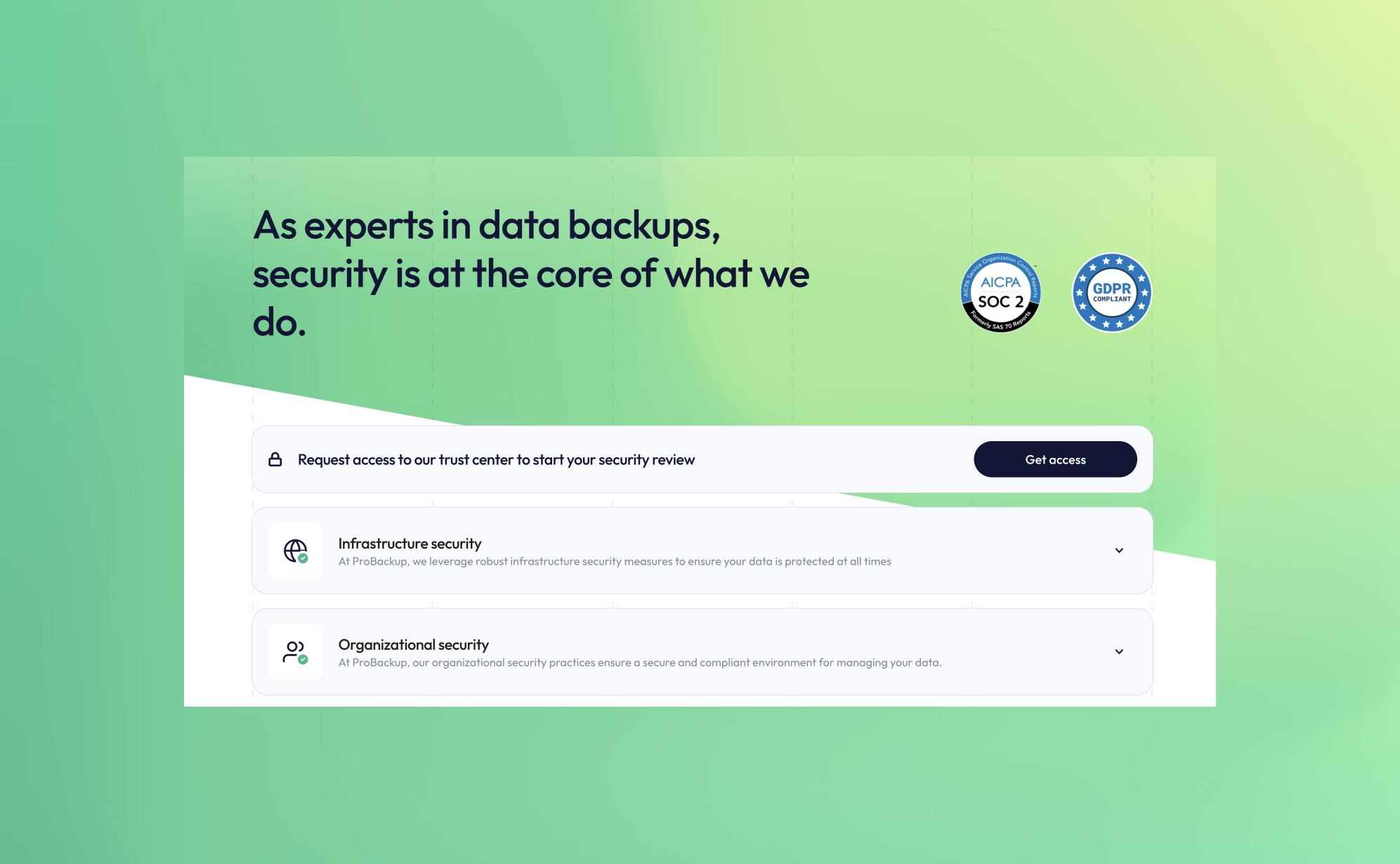
ProBackup is now officially SOC 2 Type 2 Compliant
At ProBackup, security and compliance are at the core of our mission. We are thrilled to announce that we are now officially SOC 2 Type 2 compliant! This achievement reflects our ongoing commitment to providing a secure and reliable cloud backup and restore service for businesses using Asana, Airtable, ClickUp, Trello, and other productivity and CRM apps.
.jpg)
Productivity
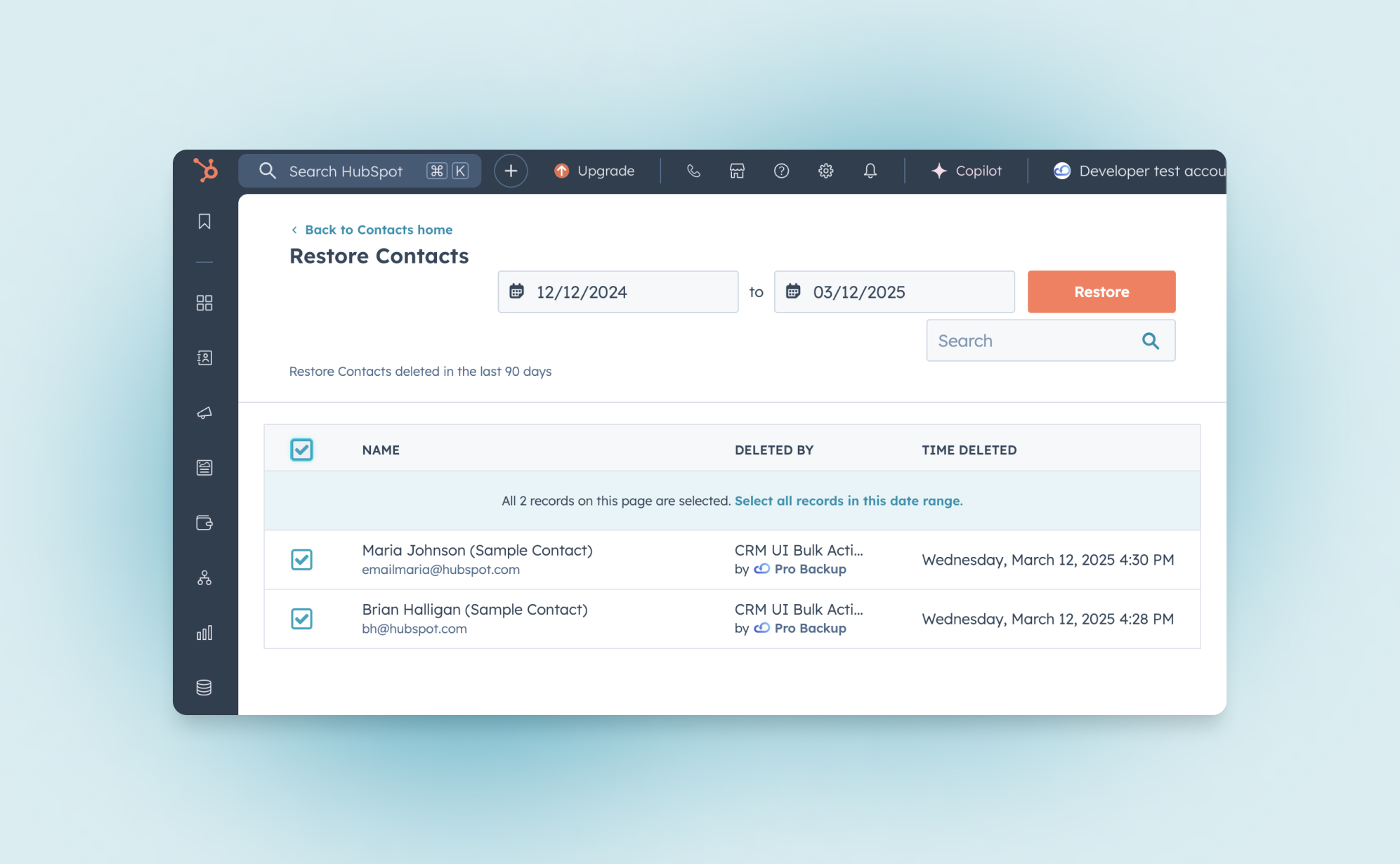
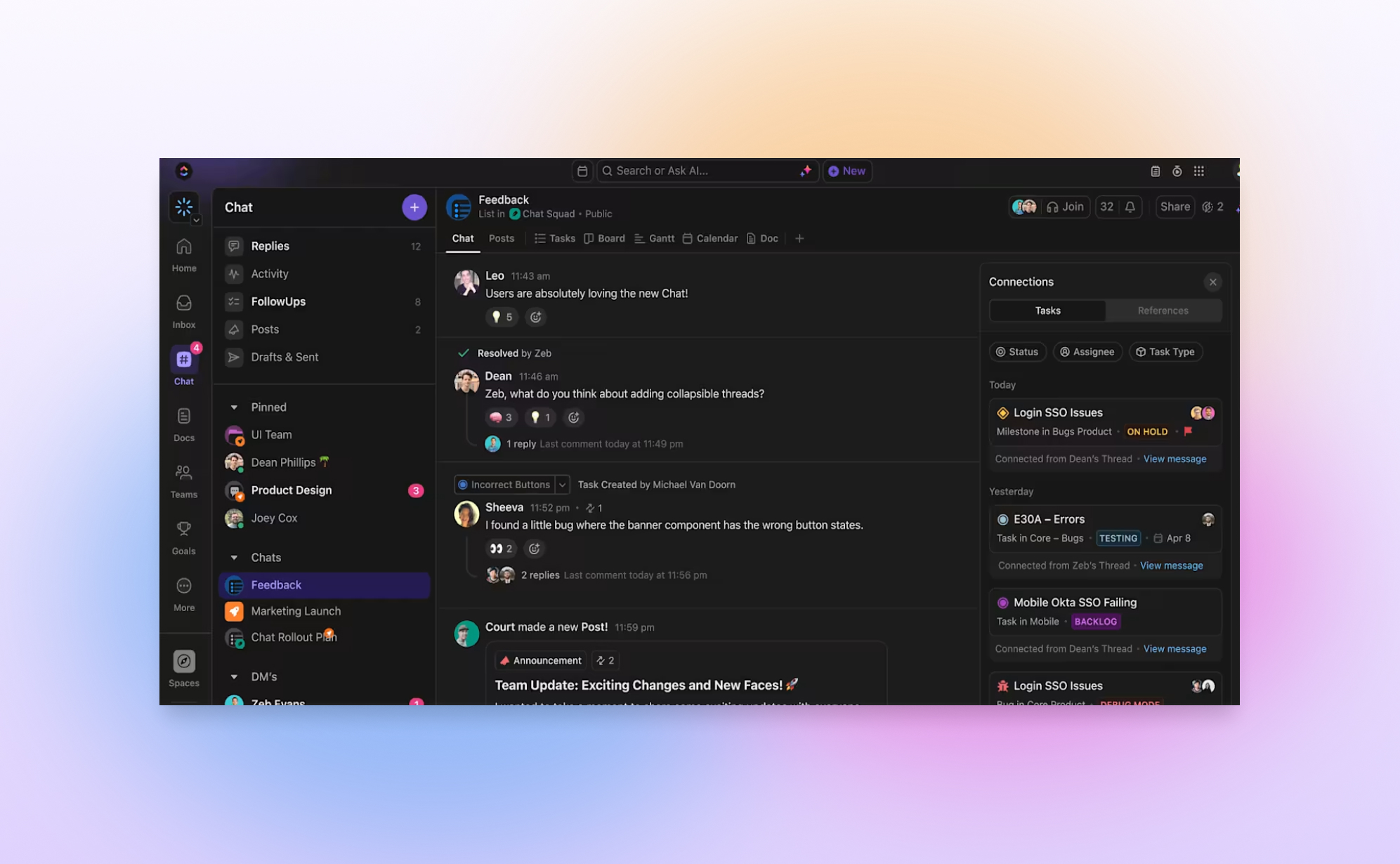
ClickUp Chat: How does it compare to Slack and other productivity apps
ClickUp aims to be the "one app to replace them all". It offers a broad range of project management features such as task managent, time tracking, goals and since recently it has also launched ClickUp Chat. ClickUp Chat lets you send messages to your team members without leaving the app. In this article, we’ll explain what ClickUp Chat is, how to use it, and how it compares to Slack and other tools.

Productivity
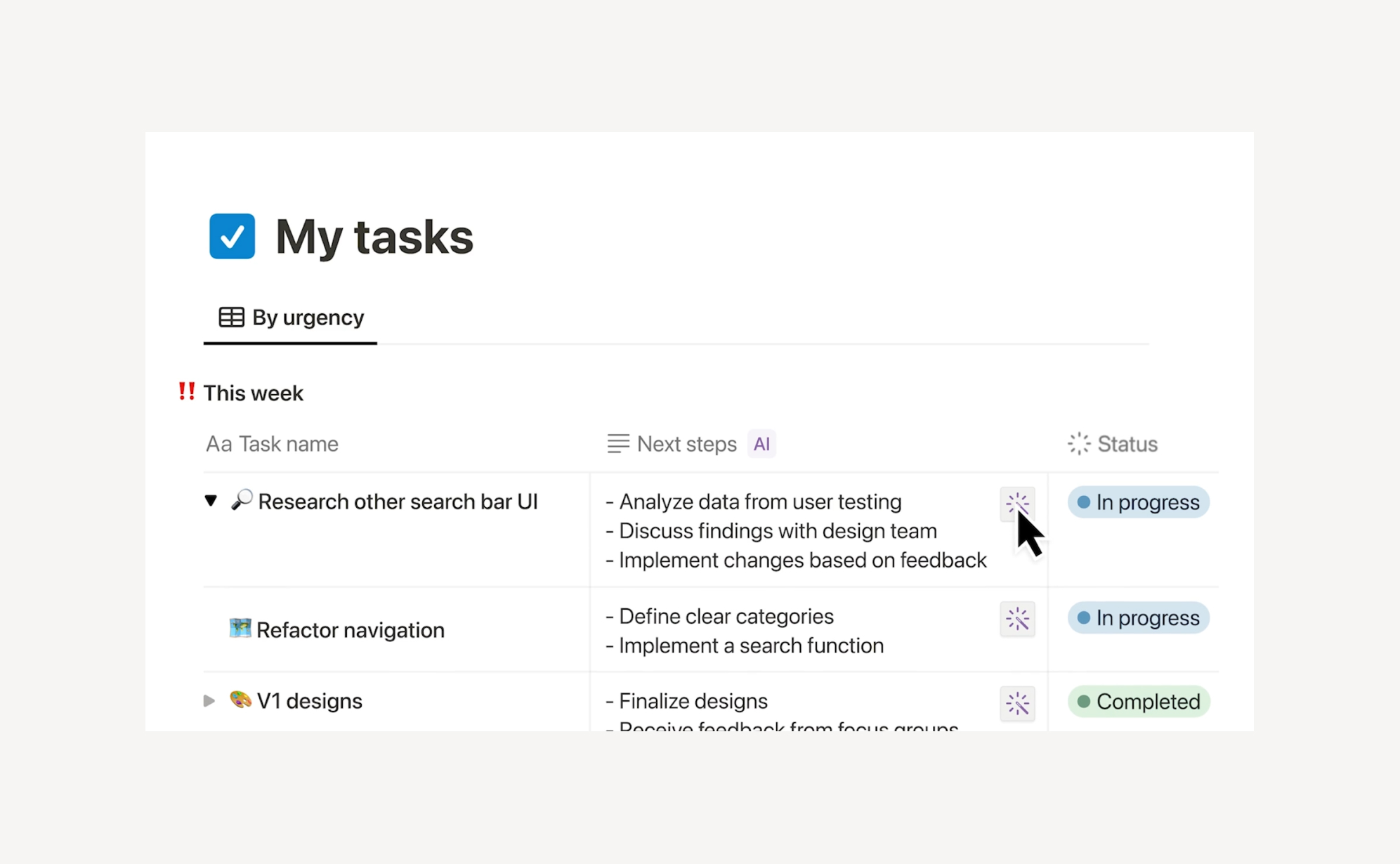
Airtable Cobuilder: Create Airtable Apps with AI
What if you could turn your idea into a fully functional app in seconds? With Airtable’s Cobuilder, that’s now a reality. This powerful new AI-driven tool allows users to instantly create no-code apps simply by describing what they need. In this blog post, we’ll explore how Cobuilder works, its advantages and limitations, and how it stacks up against similar solutions in the market.
Productivity
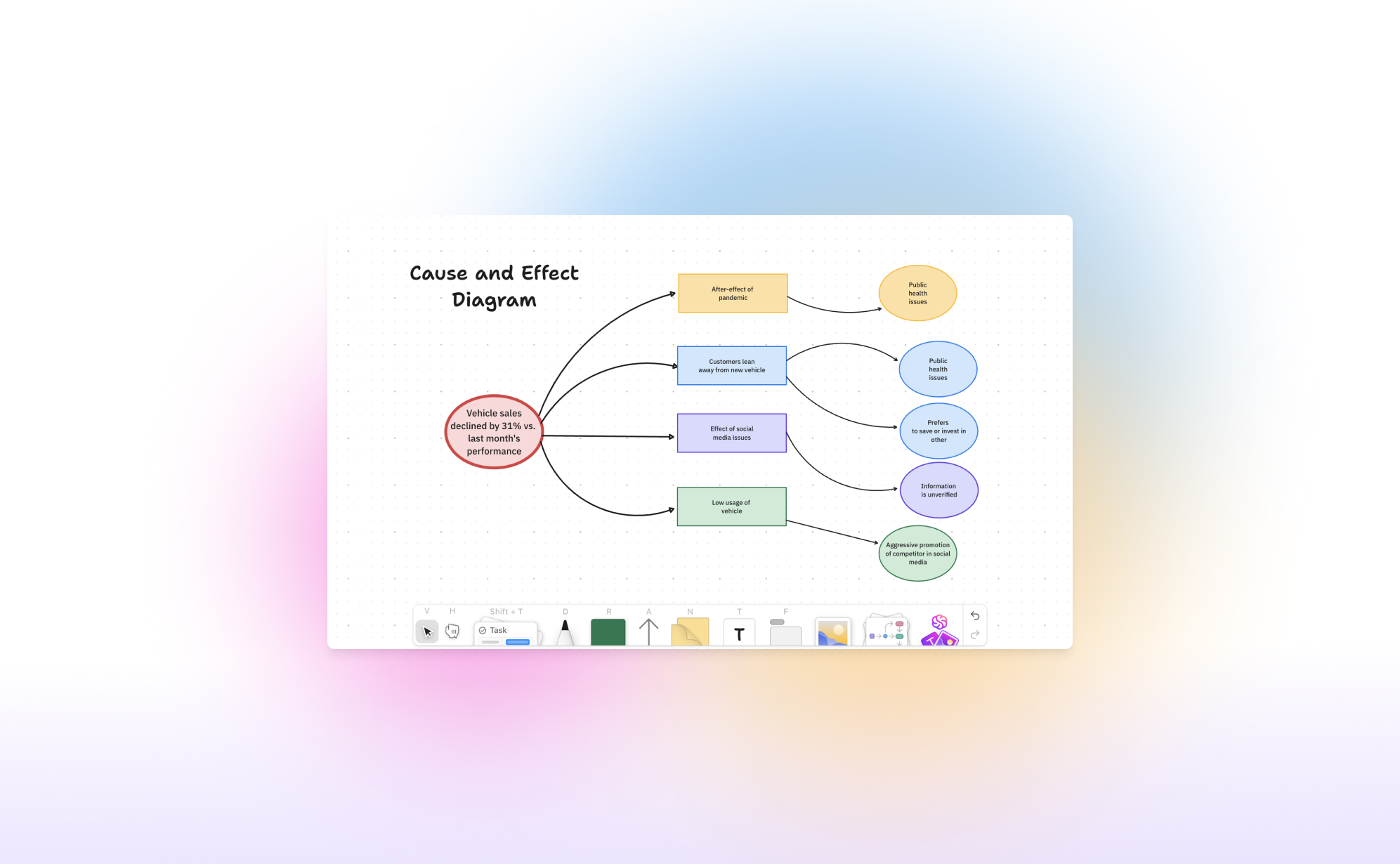
What's new in ClickUp Whiteboards?
Work today moves at lightning speed, and teams need tools that can keep up. Enter ClickUp Whiteboards 3.0 - a huge update that makes brainstorming, planning, and executing easier than ever. In this blog post, we will explain how to use Whiteboards 3.0 and highlight the most important updates in this version.
Productivity
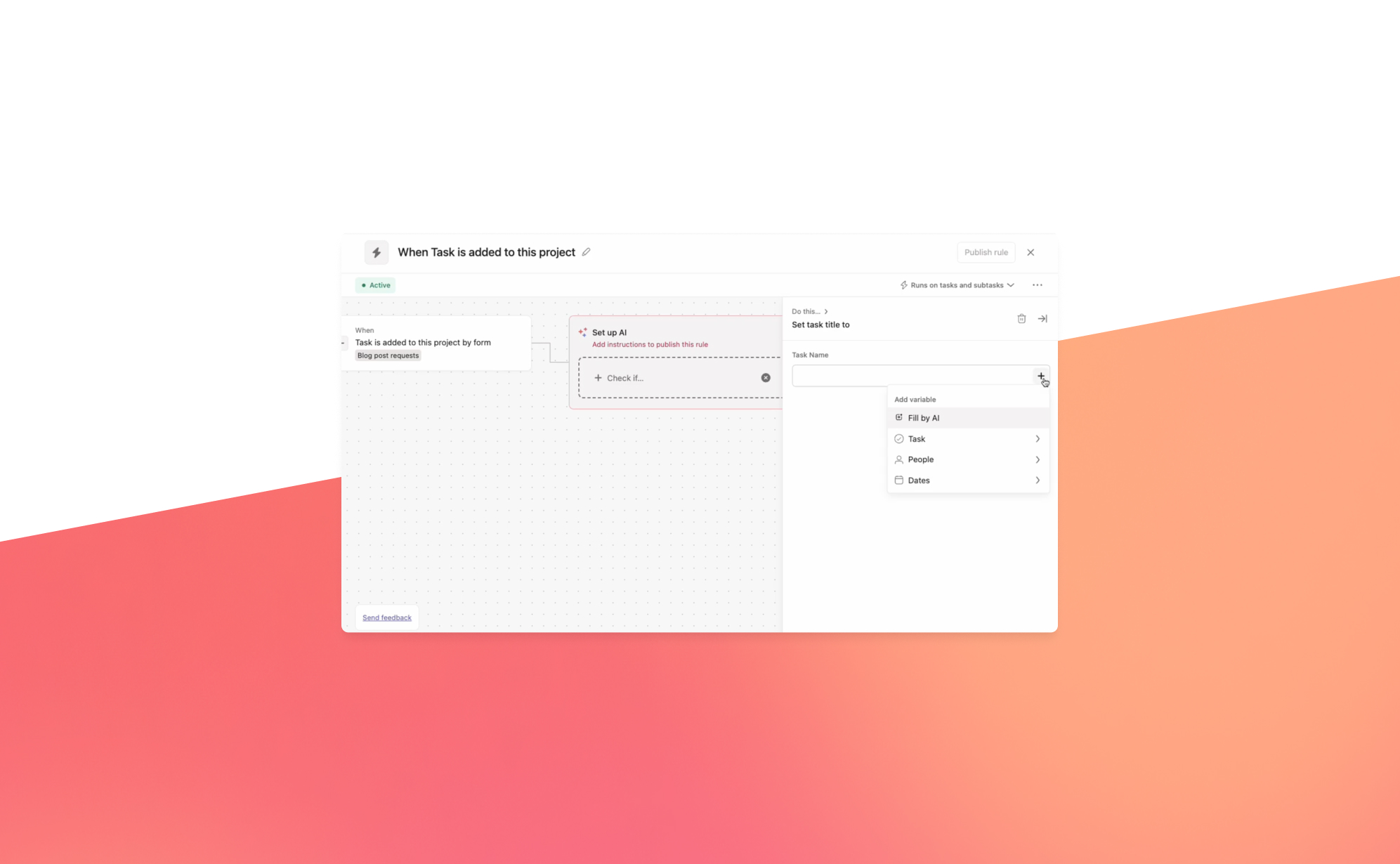
Will Asana AI Studio make a splash?
2024 marked a pivotal year for productivity apps, with AI becoming an integral part of their offering. Major platforms like monday.com and ClickUp introduced powerful AI-driven features, such as enabling users to summarize Zoom calls, enhance writing, and get instant answers. AI assistants are steadily taking on more routine tasks, making work simpler and more efficient.
.jpg)

News
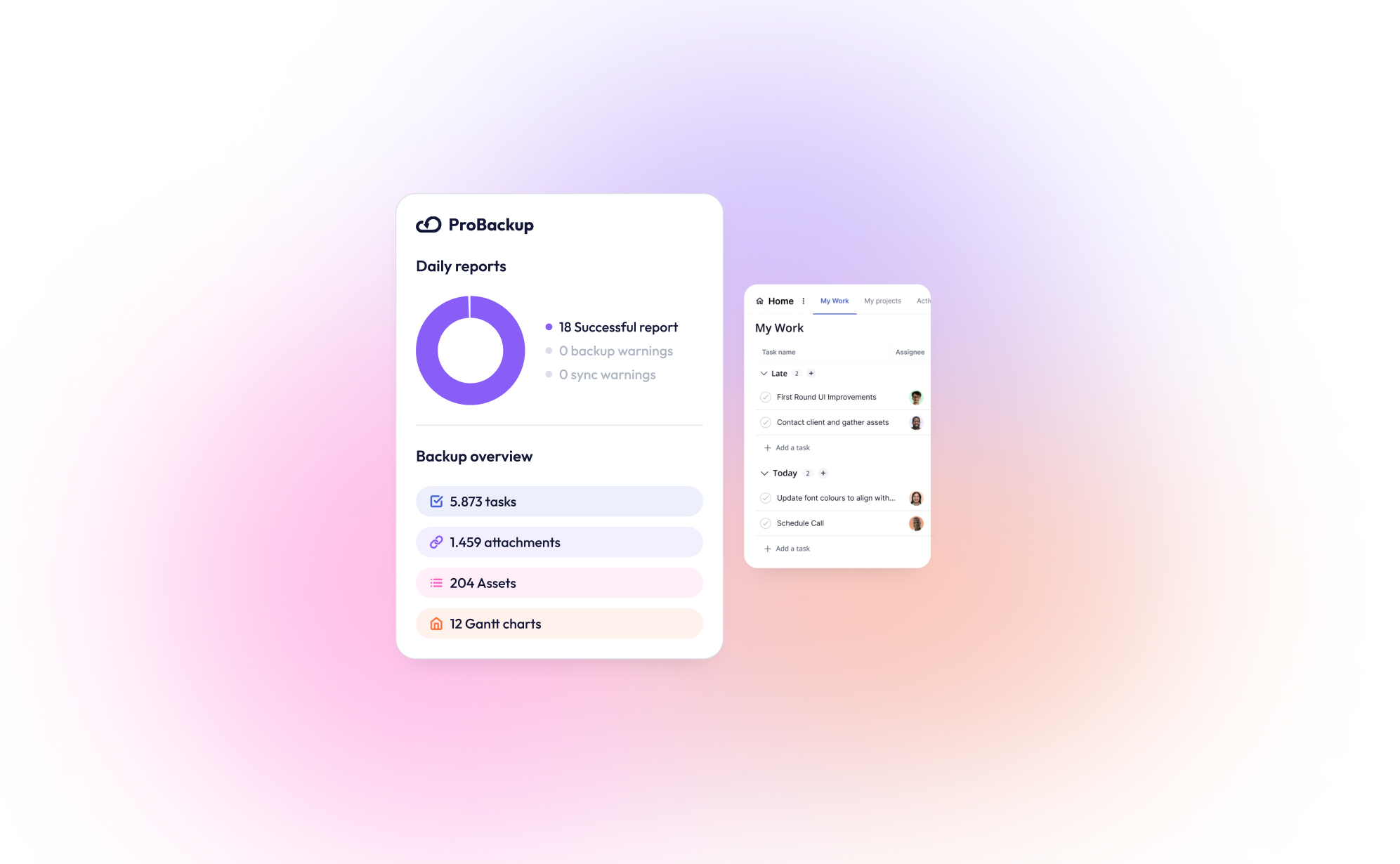
New integration: ProBackup now supports Teamwork.com!
We are thrilled to announce that ProBackup now supports Teamwork.com, the popular project management and collaboration platform. With this new integration, ProBackup continues to deliver on its promise of safeguarding your business-critical data for the SaaS tools you rely on.

.jpg)
Data Backups
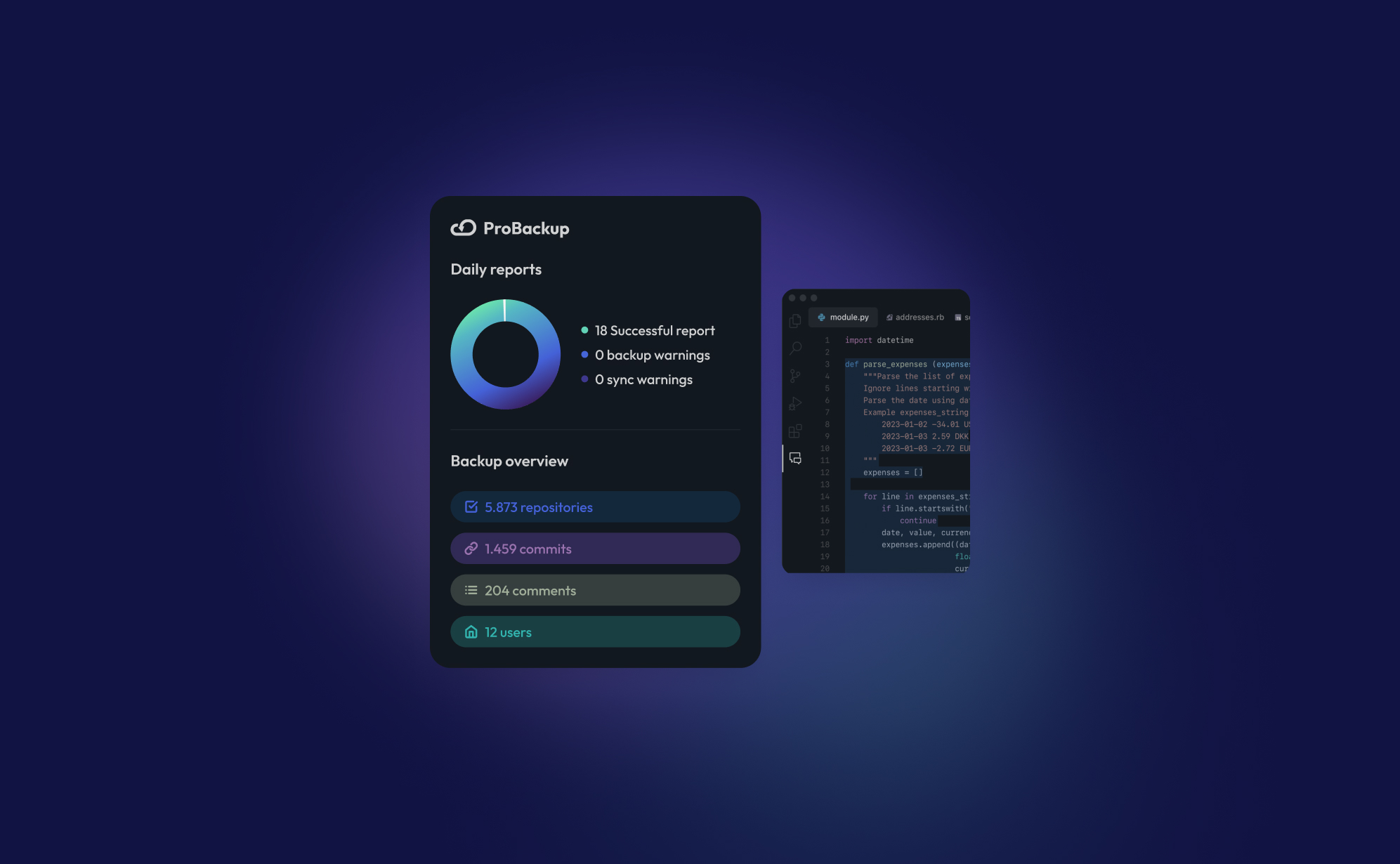
Why Backing Up Slack Data Is Crucial After Recent Changes
Slack recently rolled out significant updates that impact users on free workspaces, limiting data retention and message history. If you manage projects or collaborate with teams on Slack’s free plan, it's crucial to understand these changes and how they affect your ability to access past conversations and files.

Data Backups
How to back up your ClickUp lists: A step-by-step guide
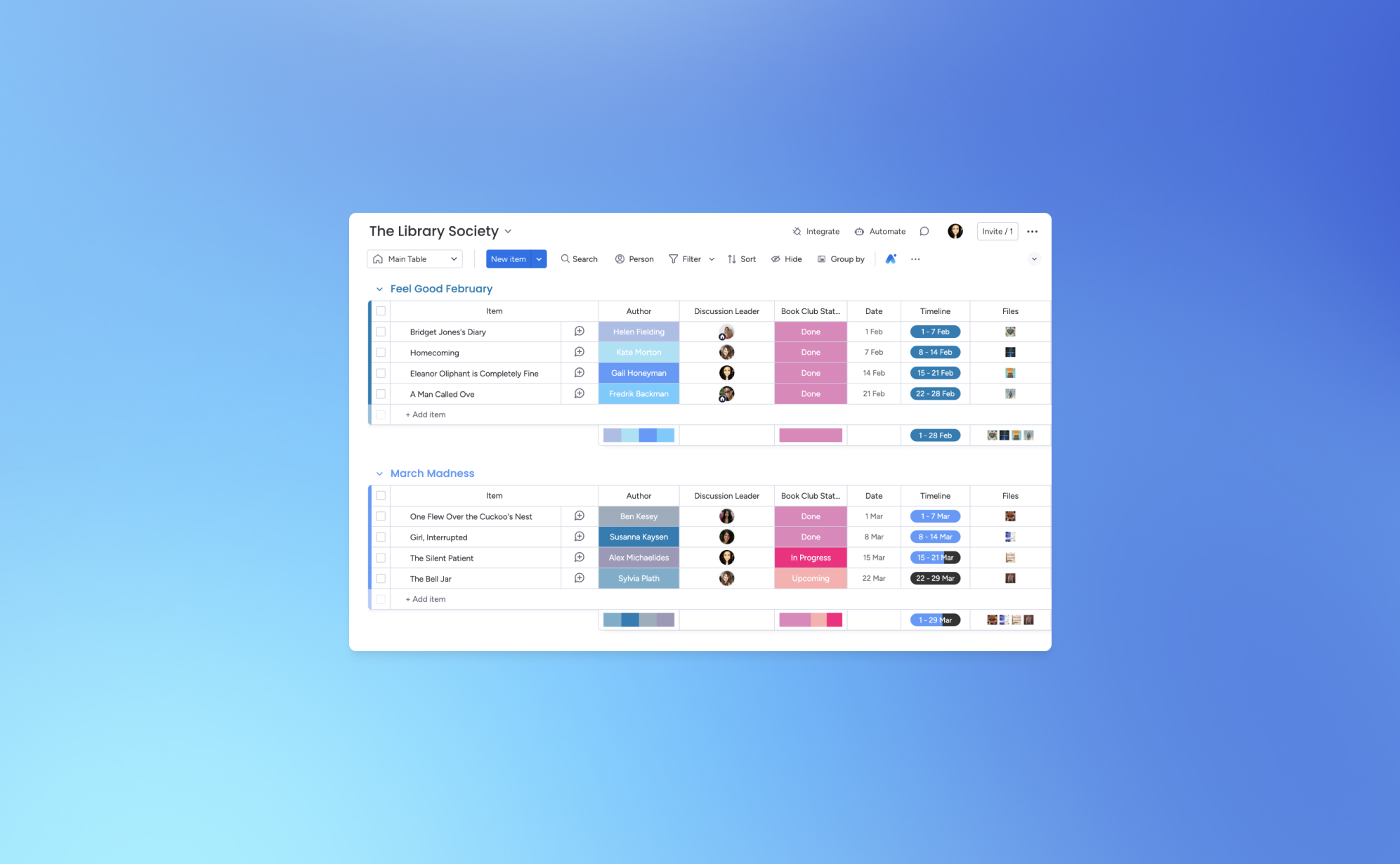
Using ClickUp to manage your business can expose your team to issues such as accidental data deletion from human error, malicious actions by disgruntled employees, or data loss due to technical glitches and downtime. Losing an important ClickUp task or list can set your business back hours, or even days. To gain peace of mind and protect your workflow, implementing an automated backup solution is essential. This guide will walk you through setting up a daily, automated backup for your ClickUp account using ProBackup.
Data Backups
How to protect your monday.com boards: A Step-by-step guide to backing up monday.com
monday.com is a best-in-class productivity platform that allows teams to create customizable workflows to manage projects, tasks, and processes. This guide will walk you through setting up a daily, automated backup for your monday.com account using ProBackup.
News
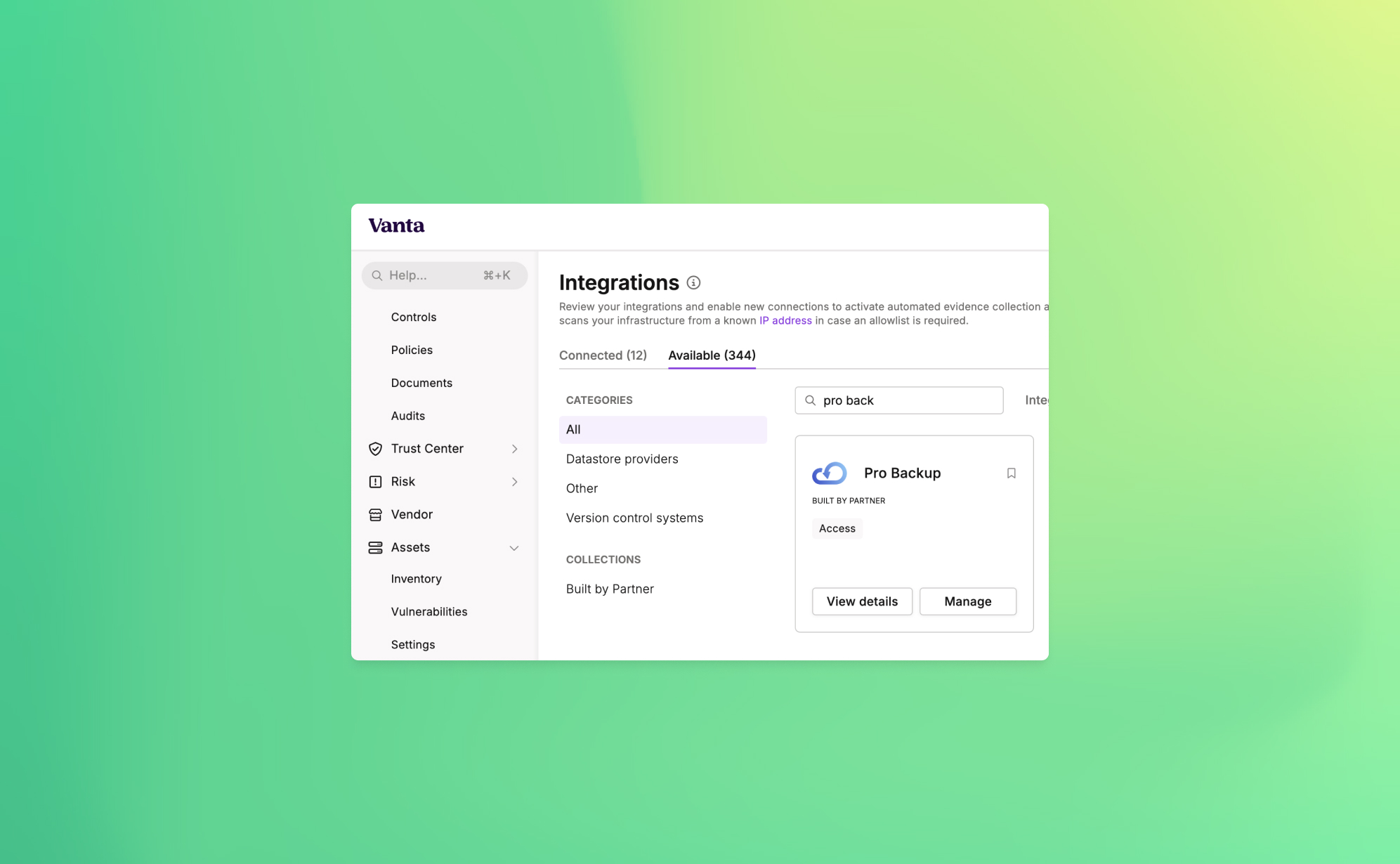
Announcing ProBackup's New Vanta Integration for SOC 2 Compliance
At ProBackup, our mission is to provide businesses with secure, reliable cloud backup solutions. As part of our commitment to security and compliance, we're excited to announce a new integration with Vanta, a leading platform that automates the path to SOC 2 compliance.

Data Backups
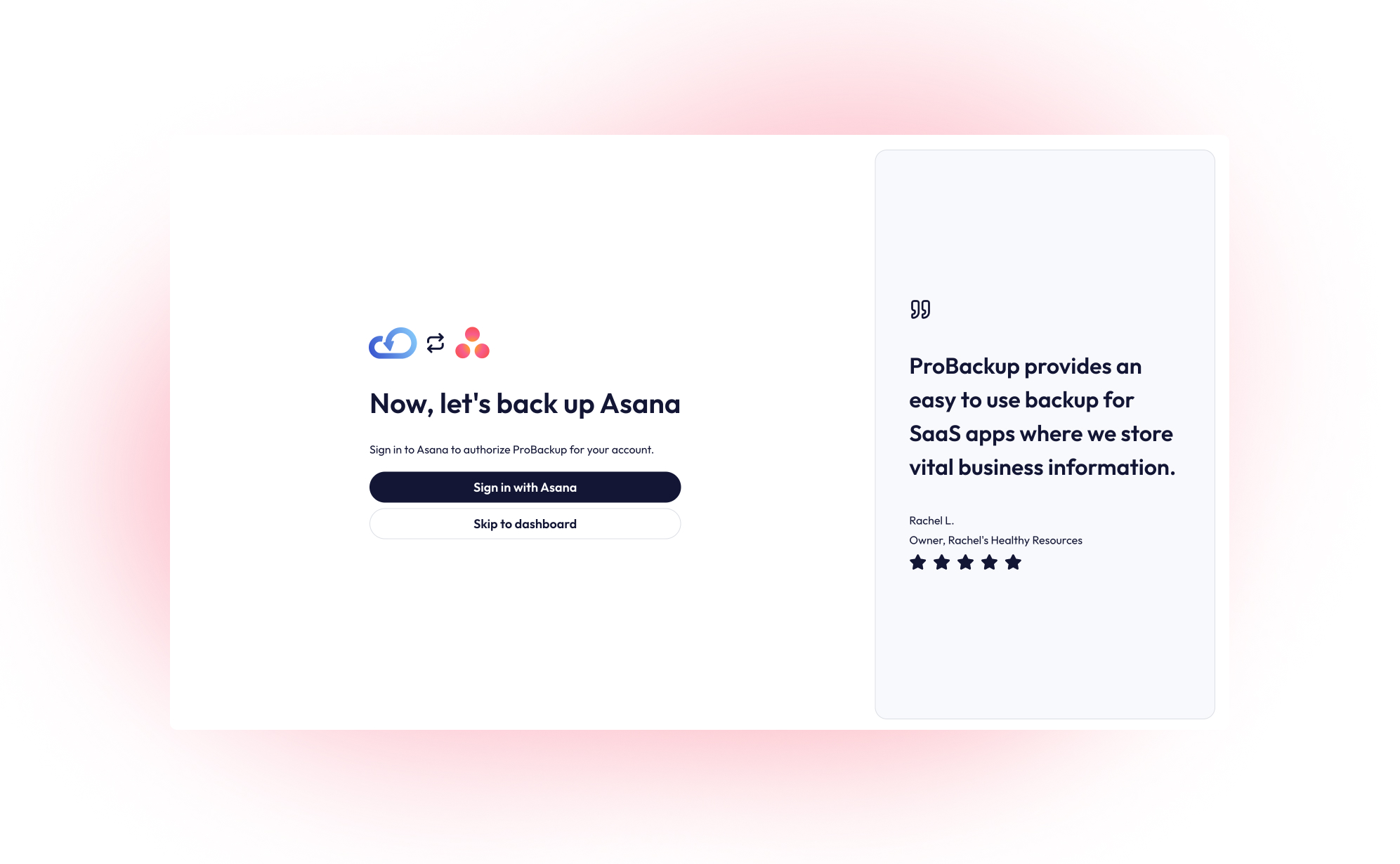
How to back up your Asana projects (and why it matters)
Asana is a leading work management platform for human and AI coordination. Whether it's managing strategic initiatives, cross-functional programs, or company-wide goals, Asana helps business bring clarity to complexity. This guide will walk you through setting up a daily, automated backup for your Asana account using ProBackup.
Data Security
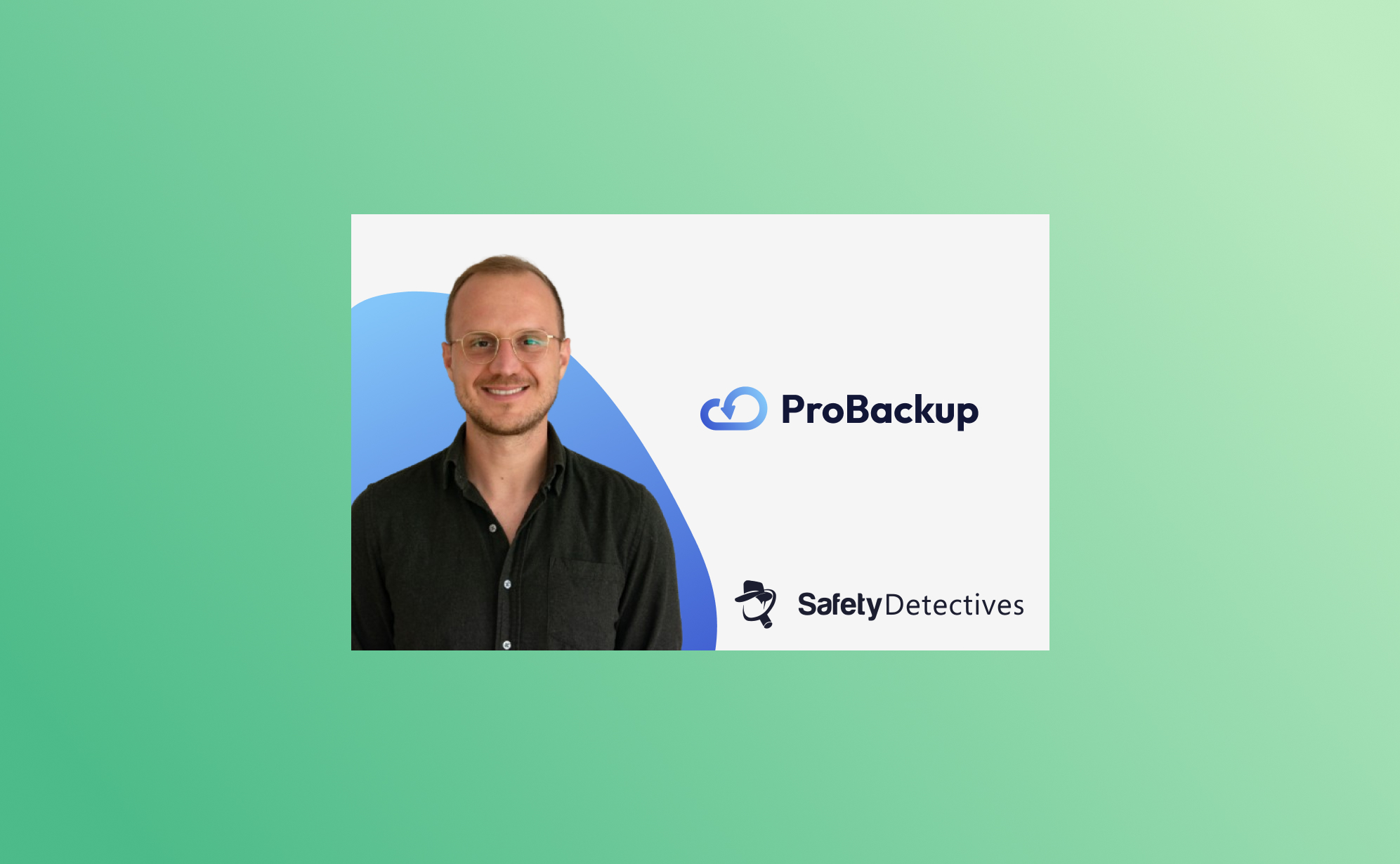
Guest post: interview with SafetyDetectives
SafetyDetectives recently had the opportunity to sit down with Willem Dewulf, CEO of ProBackup, to discuss the inspiration behind founding the company, what sets them apart in a crowded market, and the common misconceptions businesses have about data backups.
News
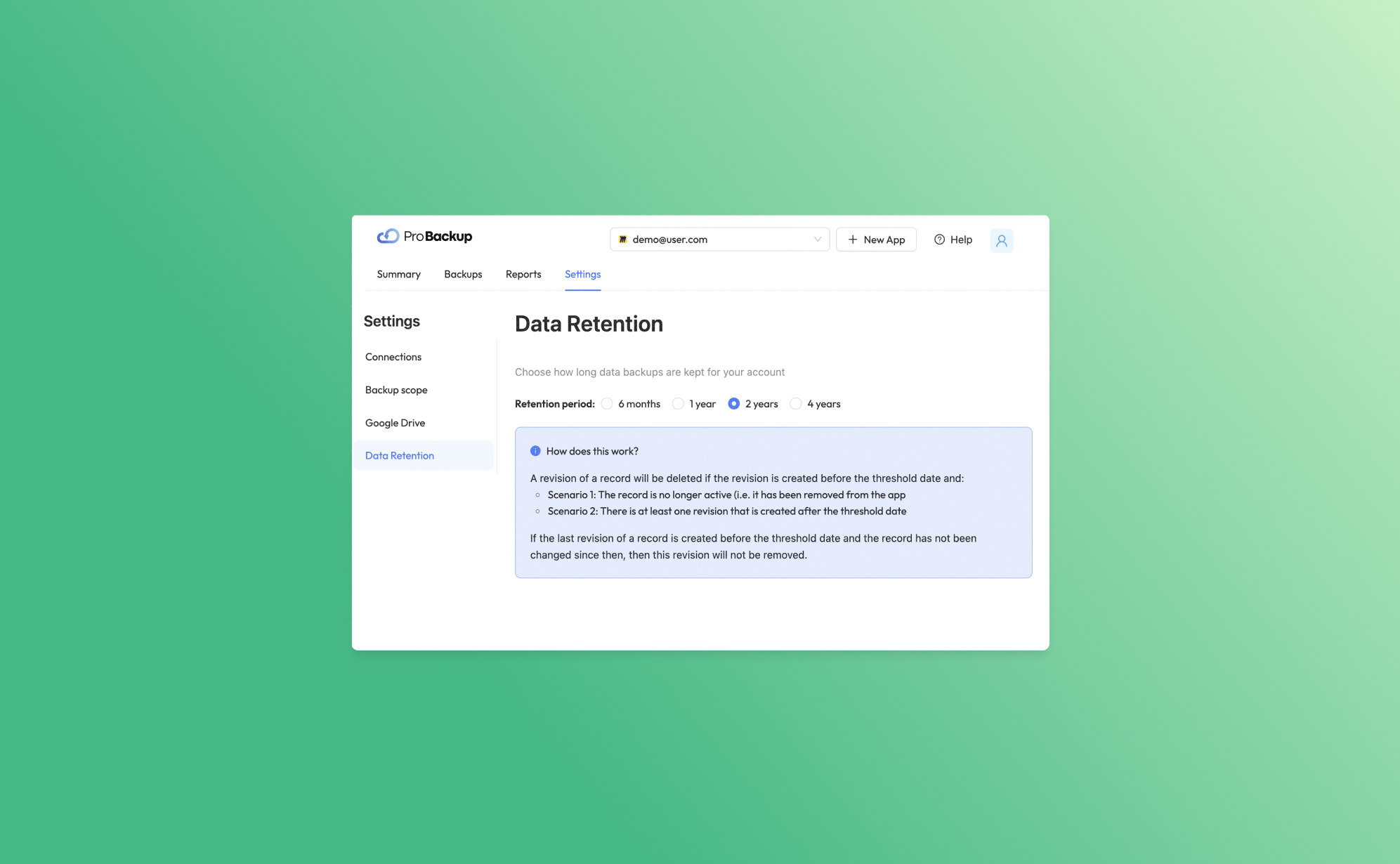
Introducing Our New Data Retention Feature
Today, we are thrilled to unveil a powerful new feature designed to give you greater control and flexibility over your data management: Data Retention. This feature allows you to determine how long we keep your data backups, ensuring you can comply with various regulatory requirements and internal policies.
News
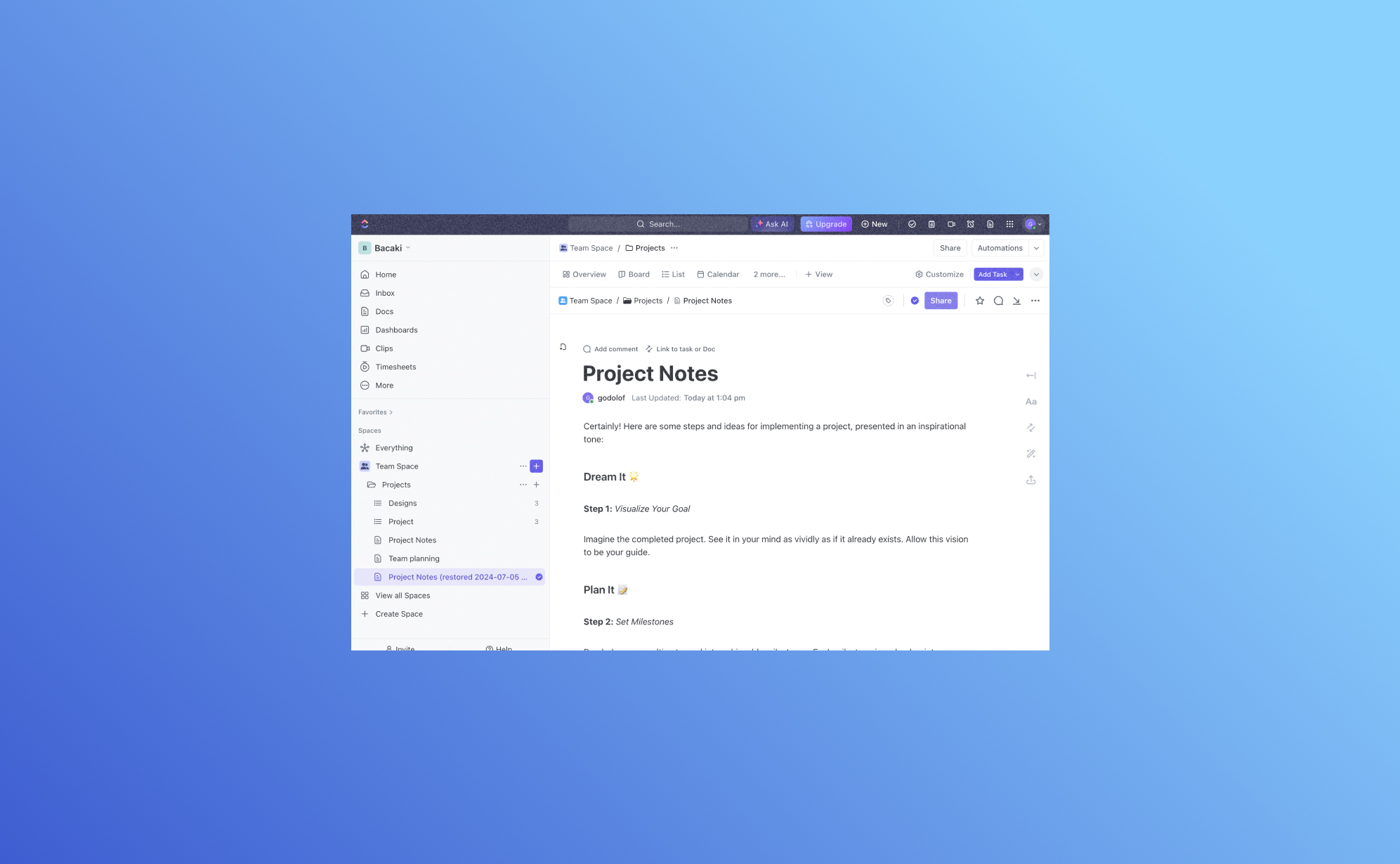
Exciting Update: Backup and Restore ClickUp Docs with ProBackup
We are thrilled to introduce a significant enhancement to ProBackup: you can now back up and restore your ClickUp Docs. ClickUp Docs is a powerful feature within the ClickUp ecosystem. Thanks to a recent update to ClickUp's API, ProBackup can now extend its robust backup and restore capabilities to include ClickUp Docs.
Data Backups
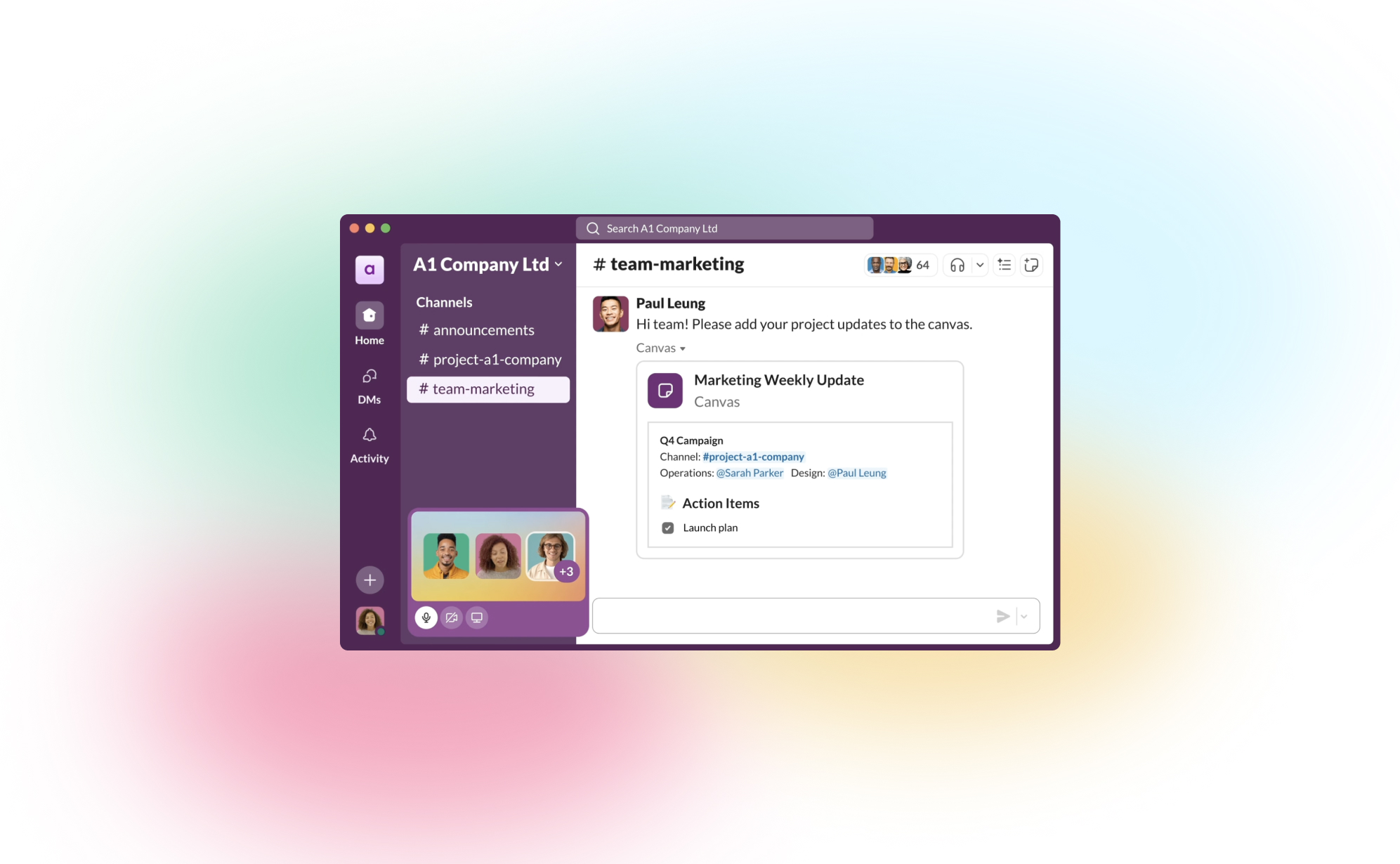
How to back up Slack channels, messages and files (2026 guide)
A single guide to backing up Slack: the current free-plan history limits (checked 16 September 2026), why a workspace export is not a backup, exactly what the Slack API lets ProBackup capture, and the setup steps for automated daily snapshots with granular restore.
.jpg)
Data Backups
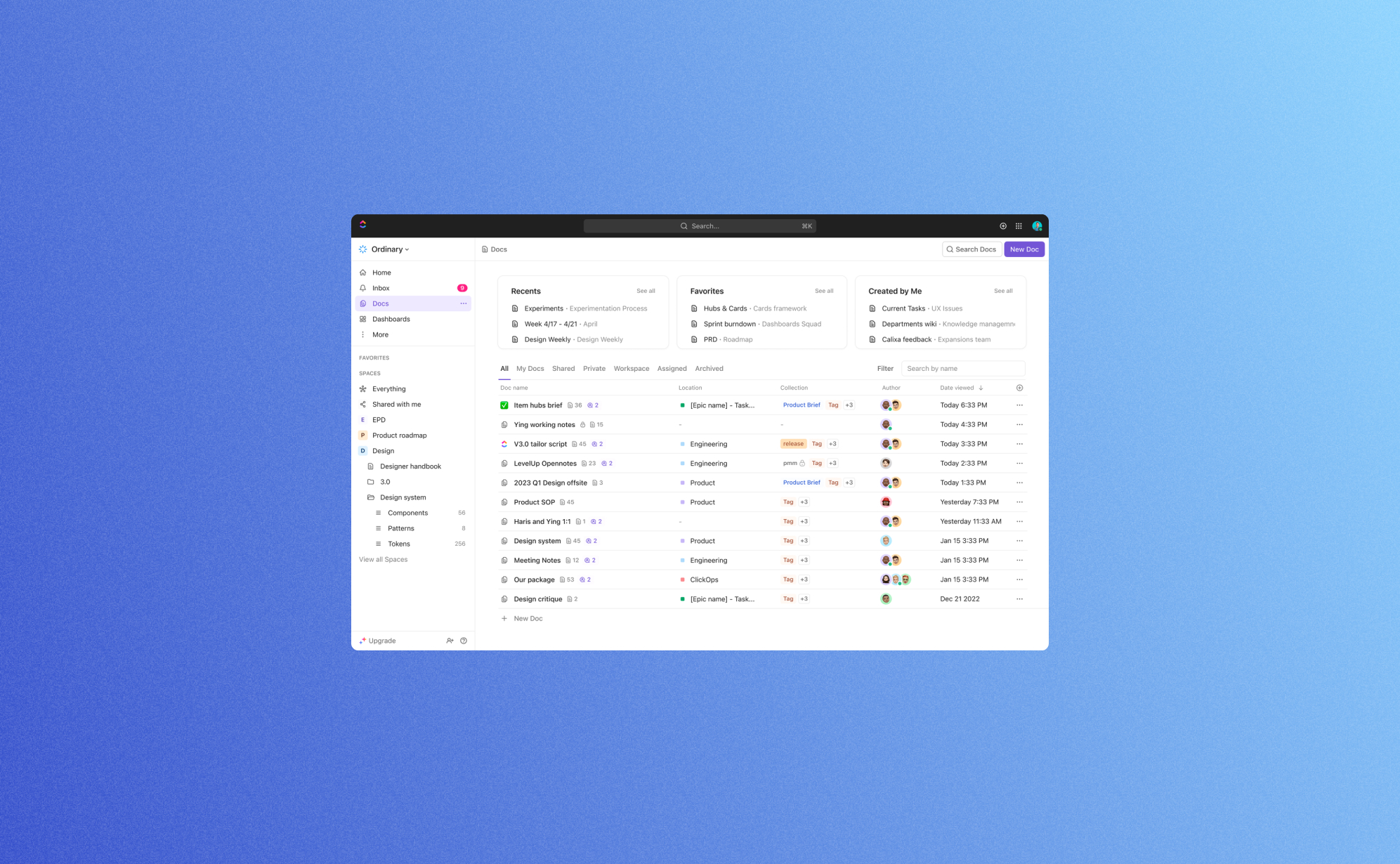
How to secure your Trello boards: A step-by-step guide to backing up Trello
Trello is a powerful, visual collaboration tool that uses boards, cards and lists to help teams and businesses organize and prioritize their projects and collaborate effictively. As Trello can be used for a wide range of projects, from simple to-do lists to complex workflows, it's a popular choice for many businesses across all verticals. While you rightfully trust cloud apps like Trello to be secure and reliable, managing your team's work in one cloud app opens the door to potential risks.

.jpg)
.jpg)